Command palette
⌘/Ctrl+P opens the command palette: a searchable list of every command available right now — tools, views, document actions, pane toggles. Anything without a visible button is reachable here.
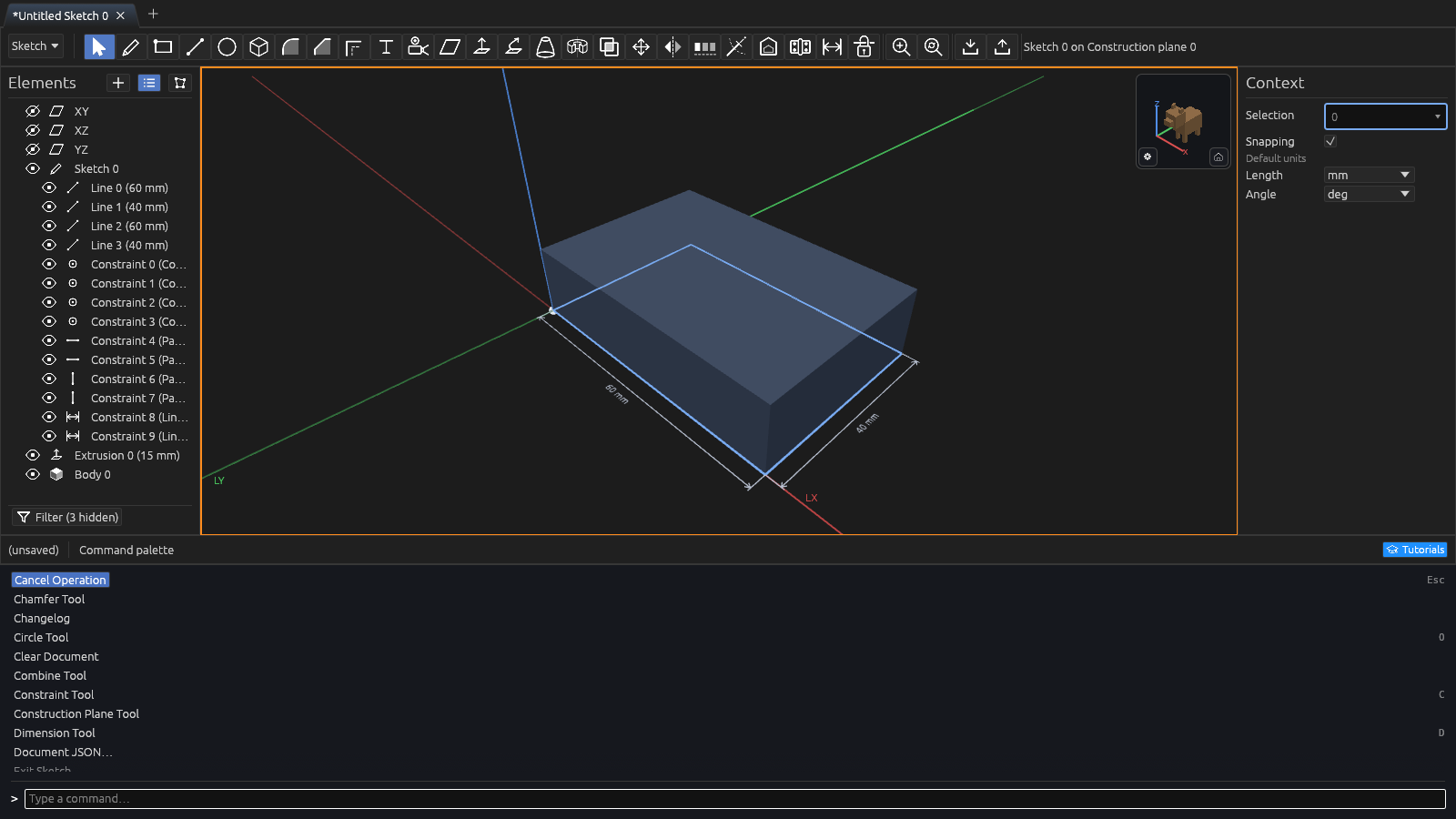
- Matching is fuzzy: type any subsequence, like
zffor Zoom to Fit. - ↑/↓ move the highlight, Enter runs it, Esc closes.
- The list is context-pertinent: e.g. Exit Sketch appears only inside a sketch, Delete Selection only with something selected, Import image on this plane… only with a construction plane selected.
- Every tool is here — the sketch tools and the 3D ones (Extrude, Chamfer, Fillet, Revolve, Sweep, Combine, Mirror, Slice, and the rest) — so you can switch tool without hunting the toolbar.
- Explode Selection Under Cursor opens the Selection Exploder right where your pointer is, the same as pressing Space.
Commands that ask for something
A few commands need a word from you. Choosing one turns the palette into a prompt for it — type, Enter runs it, Esc goes back to the list with your search still there.
Search McMaster-Carr works this way: type what you're after — socket head screw, or a
part number — and the catalog window opens with that
search already run.