Aligned view
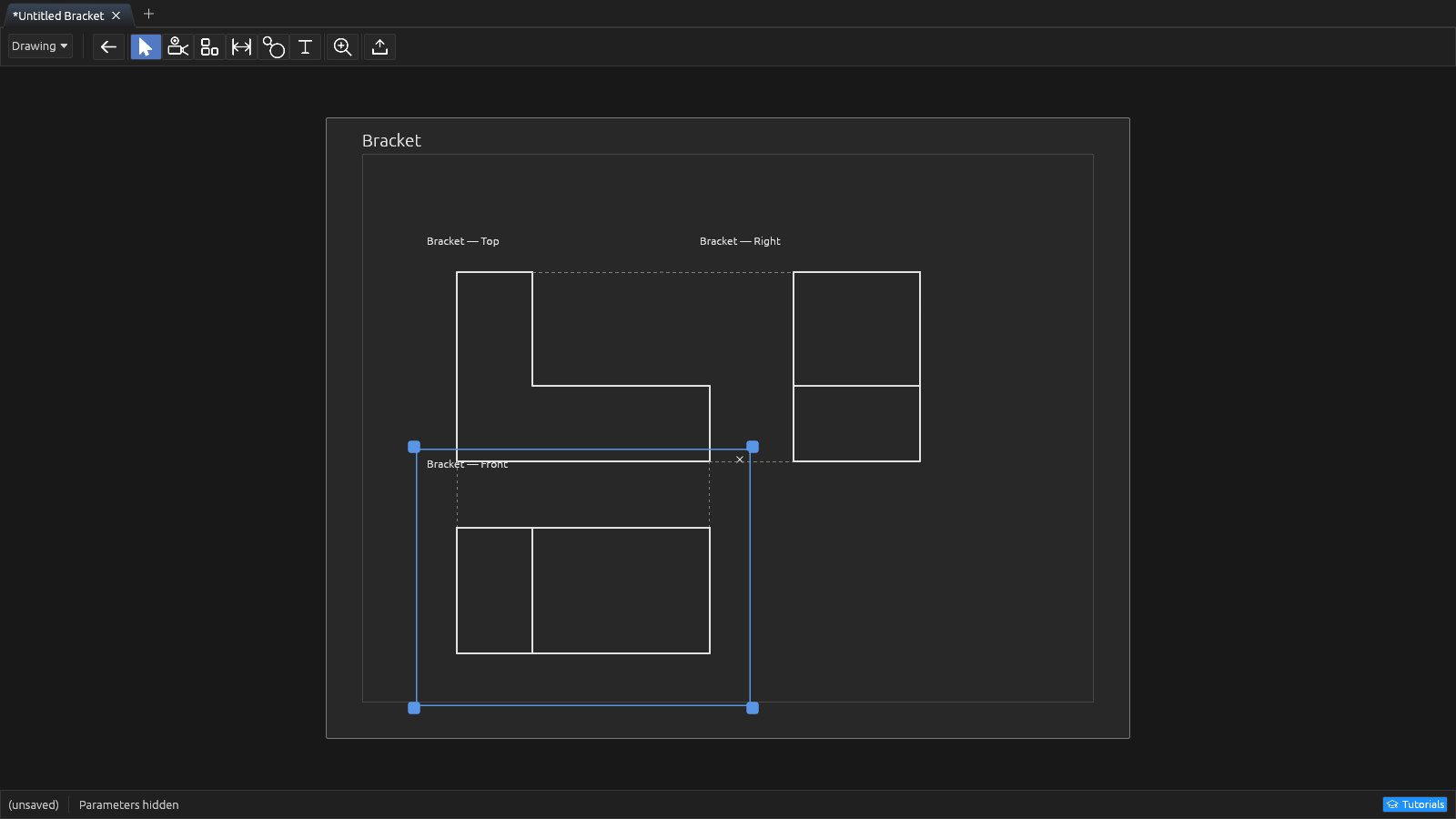
Adds a projection that stays lined up with a base view. Pick the base (the selected projection is used automatically — or right-click a card → Create aligned view), move the mouse to a side, and click to drop. Moving the base carries its aligned views along; each child inherits the base's scale.
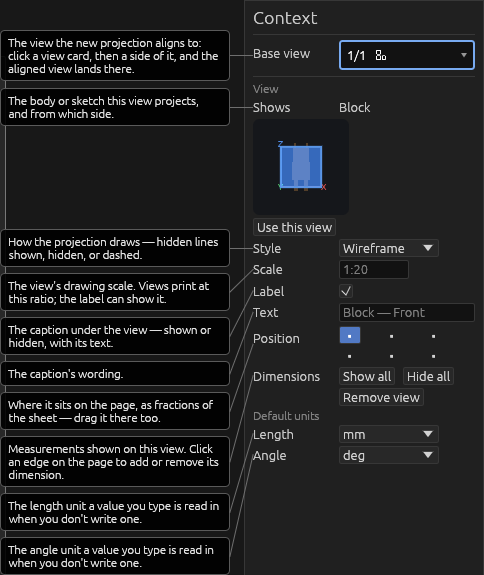
The child's context pane offers the navigation bear (limited to orientations that keep the shared edge) and a Projection lines checkbox — on by default — connecting the pair with dashed lines.
Help