Select
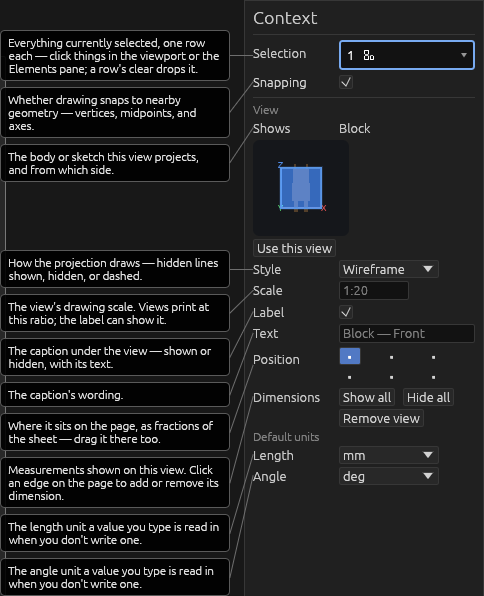
On a drawing page, Select picks and drags: move a view's card, a text note, or a dimension anywhere on the page.
- Click selects; clicking blank page space deselects.
- Double-click a text note to edit its text.
- Delete/Backspace removes the selected element.
All of the page's elements are also listed in the Elements pane, nested under the drawing — hover a row to highlight it on the page.
Help