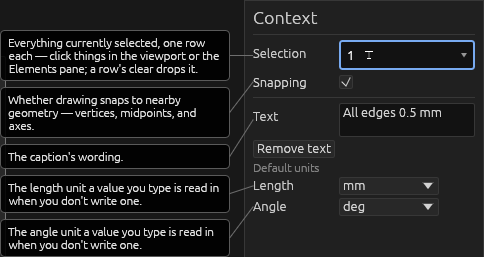
Text
Text
Adds free text notes to the page. A new drawing starts with its title as a text note.
With the Text tool (T), click for a box that grows to fit, or drag a rectangle for one that wraps to that width. Double-click a note to edit its text.
Notes embed parameters in curly braces: Width: {plate_w}. Any expression works
({plate_w + 3in}); {{ prints a literal brace. Press Tab to accept the completion
popup.
Help