Materials
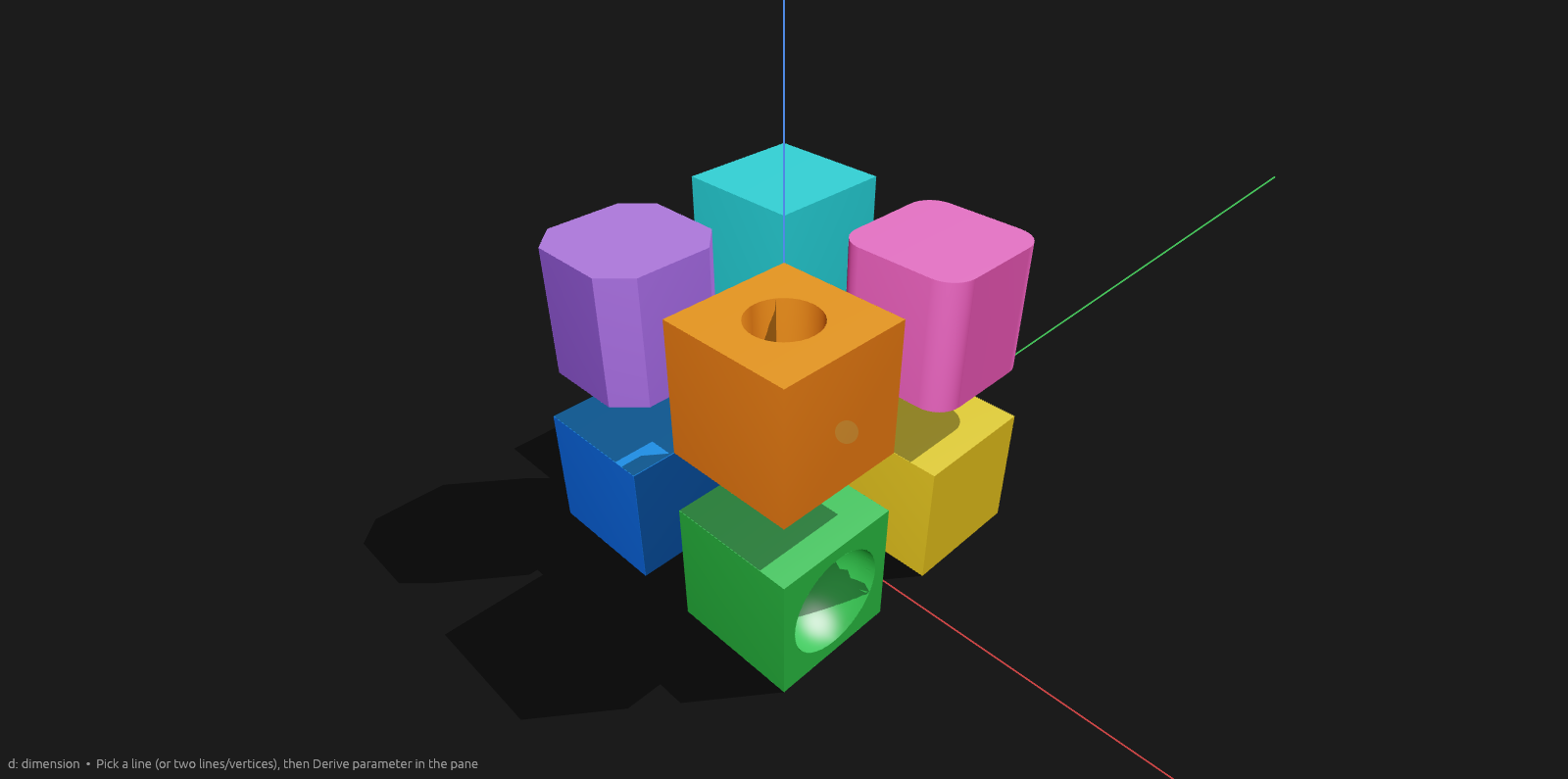
A material is a name and a color. Bodies render in their material's color.
Assigning
Select one or more bodies. The context pane's Material dropdown lists every material in the document.
- A new document already has a palette: Unobtainium first (the grey-blue every new body starts as), then Blue, Green, Red, Yellow, Purple, Orange, Cyan, Pink, Grey. Consecutive entries contrast, so two picks in a row never look alike.
- New material… adds one (
Material N, next color in that rotation) and assigns it to the selection. - Name and Color edit the chosen material in place; every body using it re-renders.
- Selecting bodies of different materials reads Mixed.
A body extruded off another body's face is made of that body's material. A sketch on a plane has no source body, so its extrusion starts as Unobtainium.
Export
3MF export writes each body's color, so a multi-color model opens in Bambu Studio with one filament slot per color.