Settings
⌘/Ctrl+, opens the Settings window; pressing it again closes it. It's also in the command palette, and in the app menu (macOS) or File menu (Windows).
Settings belong to the machine, not the document, and save the moment you change them.
Help
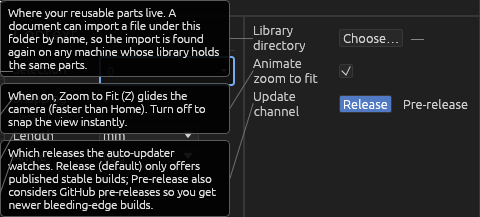
Library directory
The folder your reusable parts live in. A document can import a file under it by its library path, so the import resolves on any machine whose library holds the same parts — see Files, import & export.
- Choose… picks the folder.
- ✕ clears it.
Update channel
Release (default) only offers published stable builds. Pre-release also considers GitHub pre-releases. The auto-updater checks only the channel you pick.