Viewport styles
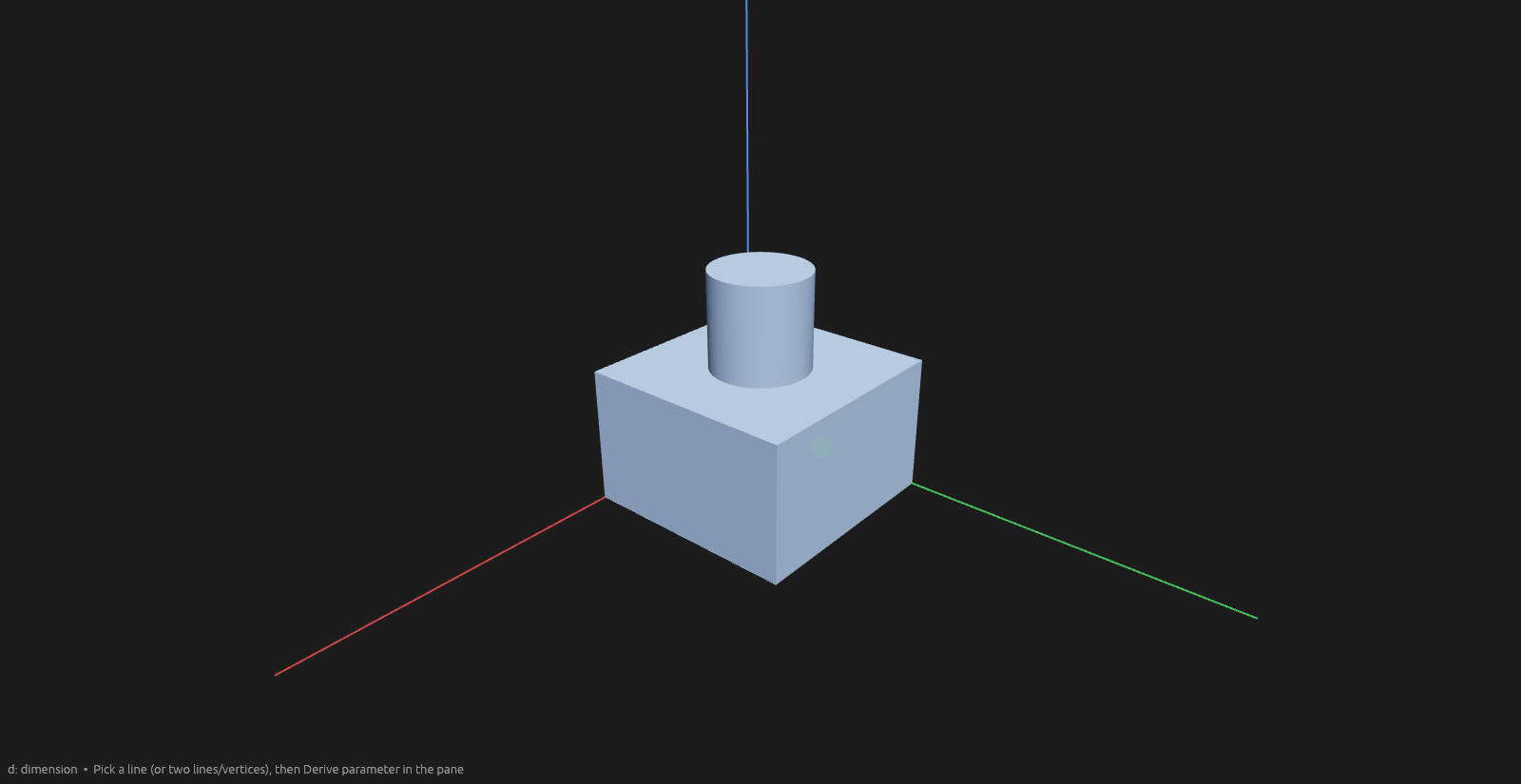
What the colors in the 3D viewport mean, for every kind of geometry and state.
Lines
Solid sketch lines change color with their constraint state; construction and projected geometry draw dashed in their own colors.
| Kind | Normal | Hovered | Selected |
|---|---|---|---|
| Unconstrained — can still move |  |  |  |
| Fully constrained — dimensioned and immobile |  | | |
| Construction — reference geometry, never part of the solid; shows only inside its own sketch |  |  |  |
Projected — traced from outside the sketch (press Y); follows its source |  | | |
Points
Line endpoints and circle centers.
| Normal | Hovered | Selected |
|---|---|---|
 |  |  |
Faces
Faces highlight when hovered — for picking a face to sketch on or extrude.
| Normal | Hovered |
|---|---|
 |  |
Dimensions
Committed dimensions draw in grey; hovering one (to drag its label or double-click to edit) recolors it with the edit accent.
| Kind | Normal | Hovered |
|---|---|---|
| Linear |  |  |
| Angle |  |  |
Bodies
A selected body fills in a more saturated blue; a hovered one in a warm gold-grey. In wireframe mode the lines recolor instead of the fill.
| Normal | Hovered (Elements pane) | Selected |
|---|---|---|
 |  |  |