Chamfer
Shortcut: K
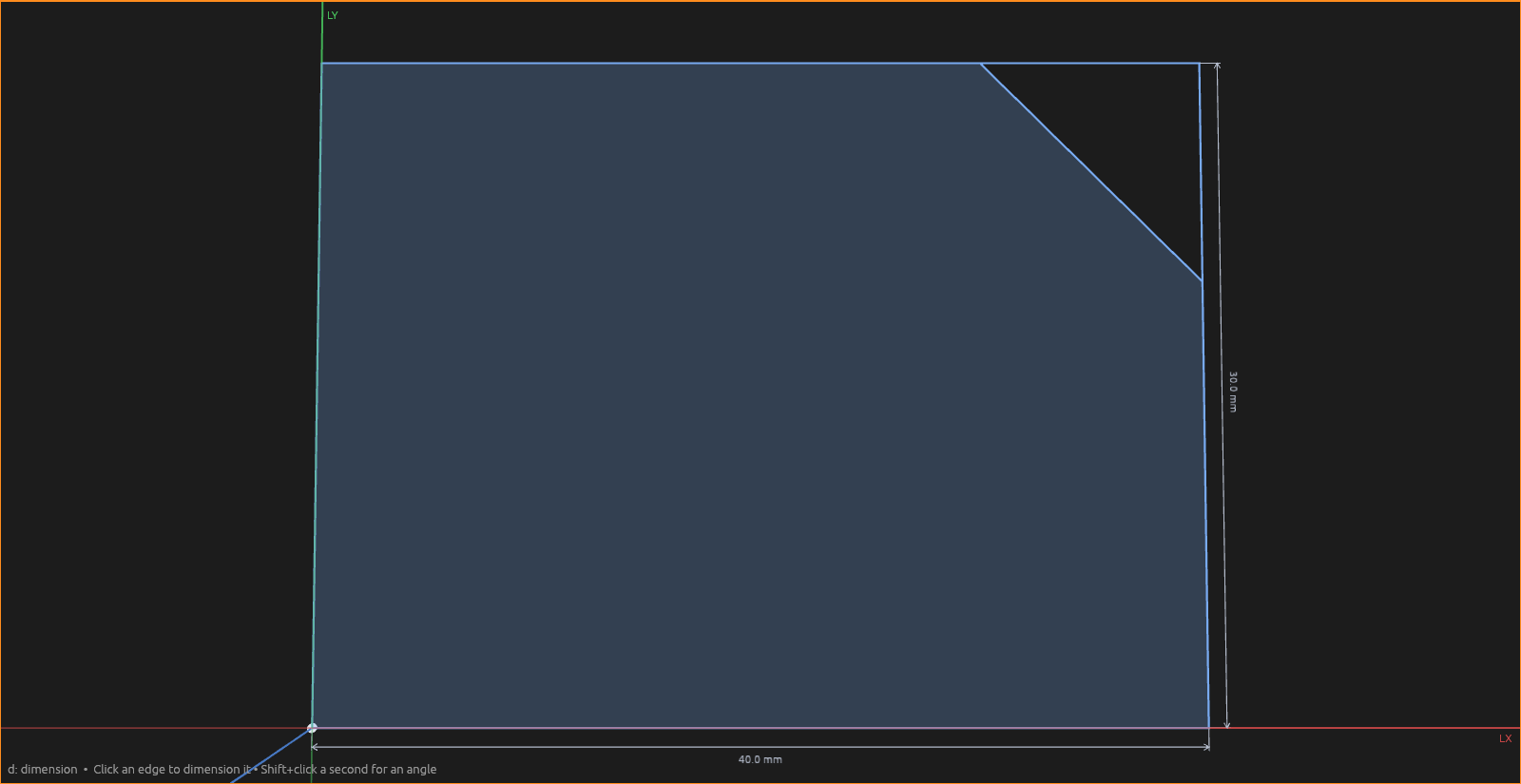
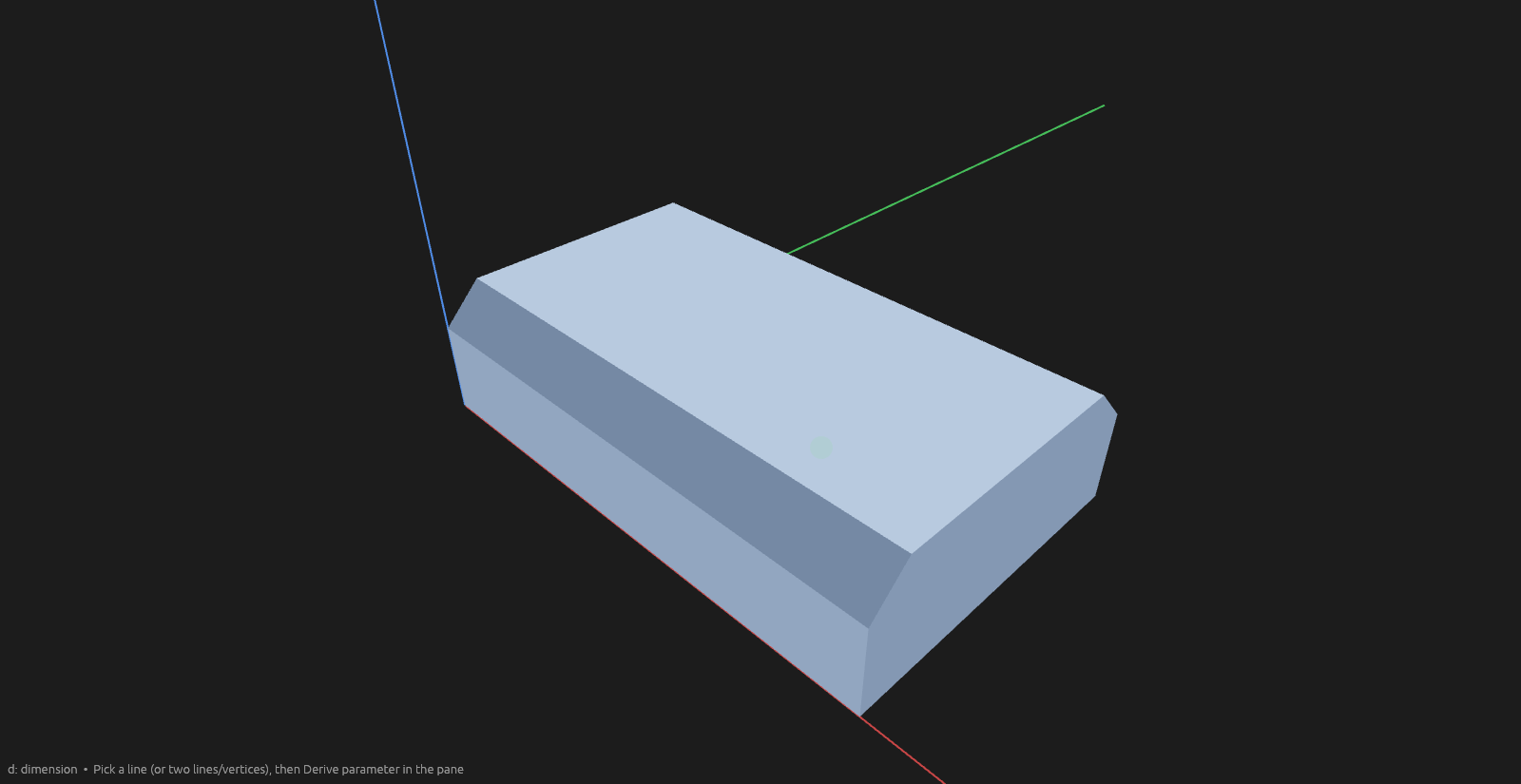
Chamfer is Fillet's angular sibling: instead of rounding a corner, it cuts it off flat. Everything else works the same way —
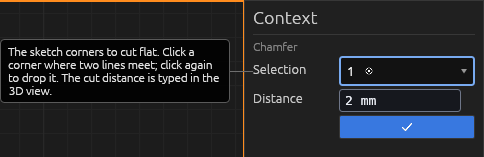
- In a sketch: click a corner where two lines meet (click again to drop it), drag the handle or type a cut distance, Enter (a second click on the handle drops it, it does not commit). Double-click the operation (or right-click → Edit) to change the amount.
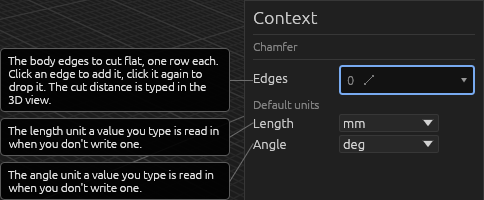
- On a solid: click an edge, or a face to take every edge of that side (click again to drop it), set the distance, Enter. The Context pane mirrors the Distance, with a ✓ to commit.
Help