Circle
Shortcut: O
Click to place the center, move the mouse to size it, then click — or type a diameter and press Enter.
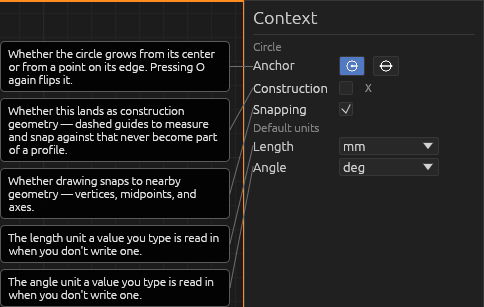
Anchor mode. The context pane has a two-icon toggle for how the two clicks define the circle: centre + radius (the default — first click is the centre, drag out the radius) or edge to opposite edge (first click pins one point on the rim, then click the diametrically opposite point — the two clicks span a diameter). Press O again while the tool is already active to toggle between the two. You can still type a diameter to constrain it in either mode.
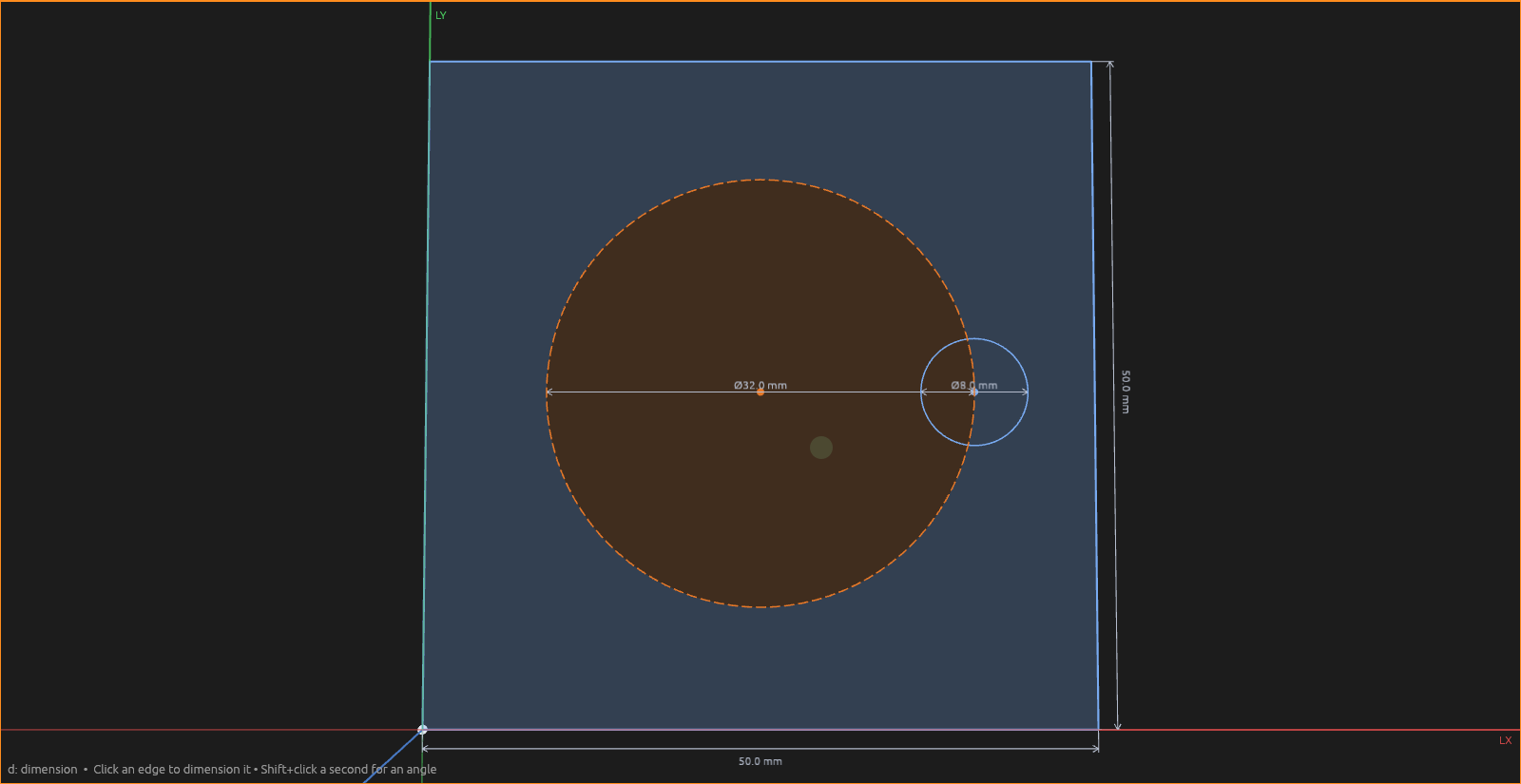
A circle is a face: extrude it to get a cylinder, or extrude it into a body as a cut to drill a round hole.
- Esc cancels the in-progress circle.
- X makes it construction (reference) geometry — handy for bolt-circle layouts.
Help