 Combine
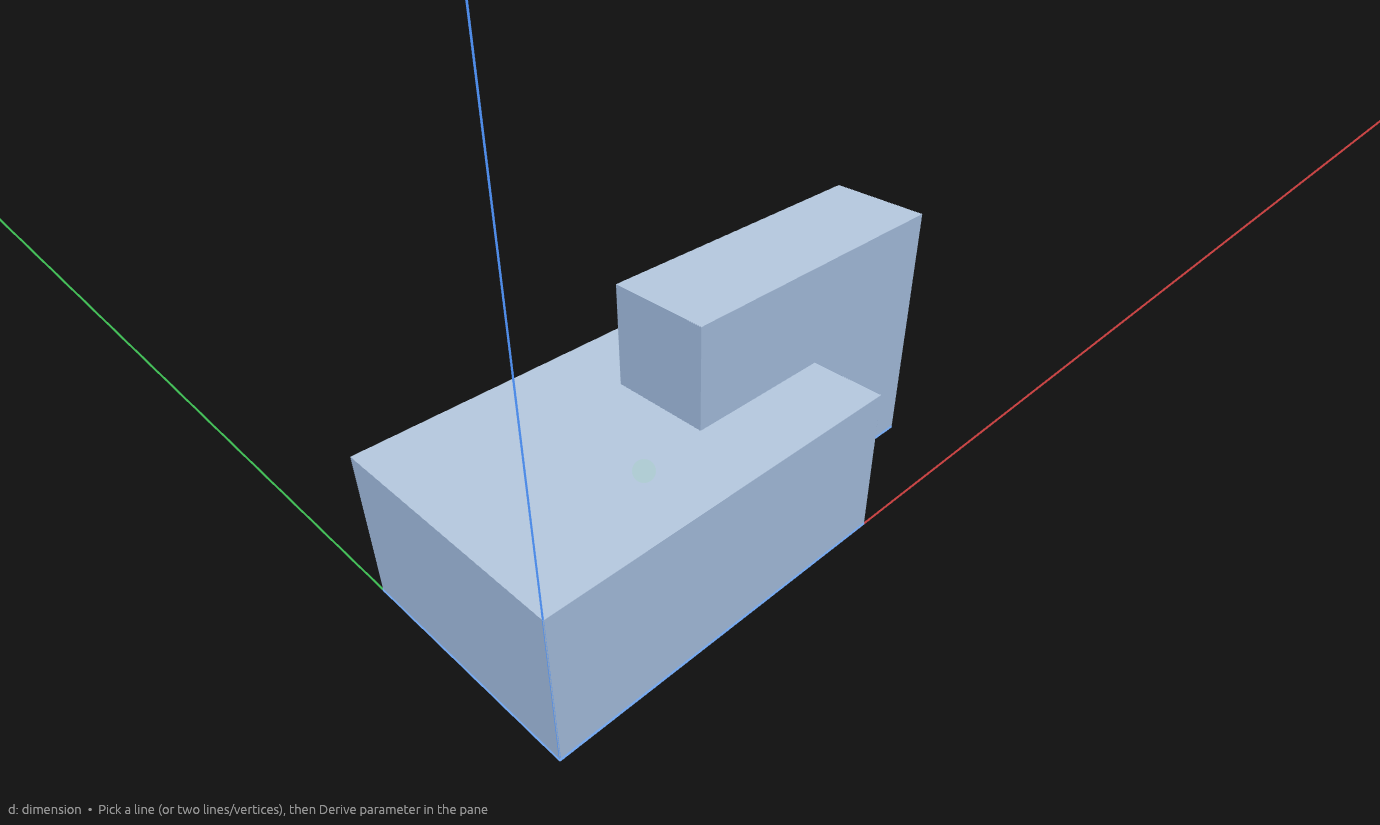
Combine performs boolean operations on whole bodies. Before a Cut — the block and the overlapping cutting body:
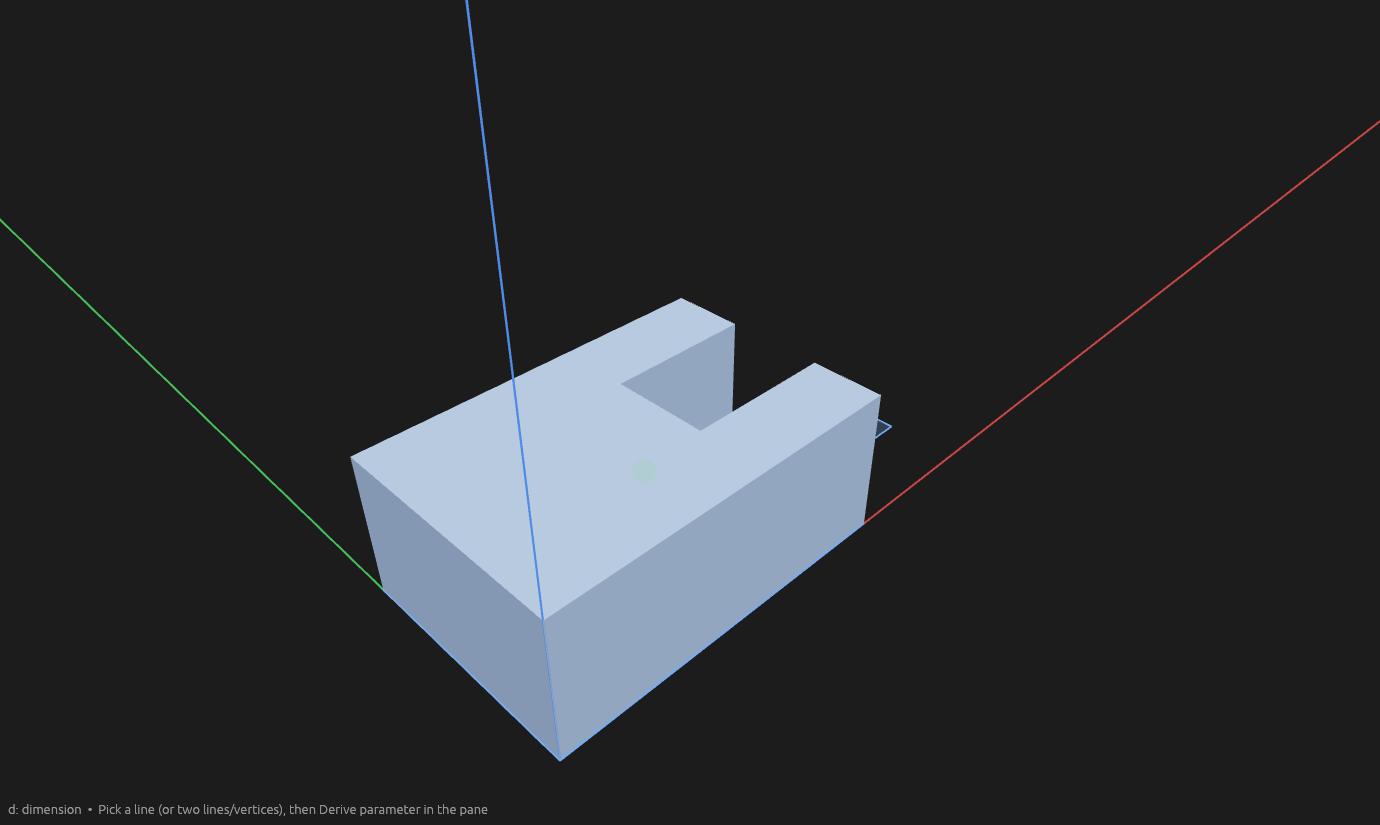
After — the cutting body is carved away:
The four operations
| Operation | Result |
|---|---|
| Union | One body containing everything in the picked set. |
| Cut | Side A with side B carved away (A − B). |
| Intersect | Only the material common to A and B. |
| Xor | Only the material not common to A and B (symmetric difference). |
How to use it
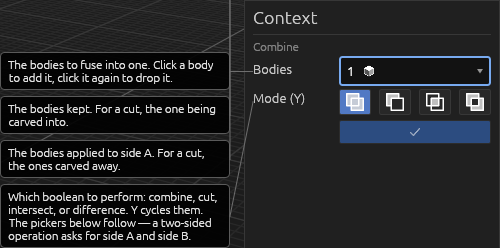
- Pick the Combine tool and choose the operation. Bodies already selected are side A.
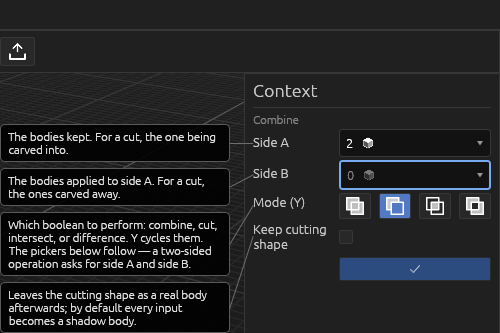
- Click bodies to add them. Two-sided operations have Side A and Side B pickers; click a picker to make it the active side. Re-clicking a body removes it.
- Keep cutting shape / Keep trimmed parts / Keep hole keeps what that operation would discard. Intersect and Xor with it on both split A and B into three parts.
- Press Enter.
Once every side the operation needs is picked, the result previews in the viewport — the side-A bodies give way to a translucent ghost of what committing would build.
A cut that severs a body into separate pieces gives one body per piece.
Help
Shadow bodies
Input bodies become shadow bodies: out of the 3D view and out of clicking's way until you hover or select them in the Elements pane, where they ghost translucently.
The operation element
The operation is an element with the new bodies nested under it. Edit operation changes the kind, inputs, or leftovers; deleting it restores the inputs. Result bodies are ordinary bodies, so operations chain.
Good to know
- Switching from Union to Cut, Intersect, or Xor after Side A is filled focuses Side B.
- The first Side A pick in Cut, Intersect, or Xor also focuses Side B. Further Side A picks stay on Side A.
- All four operations undo as a single step.
- An empty result (a cut that leaves nothing, or an intersect with no overlap) is refused — the inputs stay as they were.
- Shadow bodies can't be picked into another operation — edit or delete the operation that owns them instead.
See Scripting.