 Technical drawings
A drawing is a black-on-white sheet for printing. A document can hold any number, each collecting views — a body, several bodies, or a whole component shown from a chosen direction.
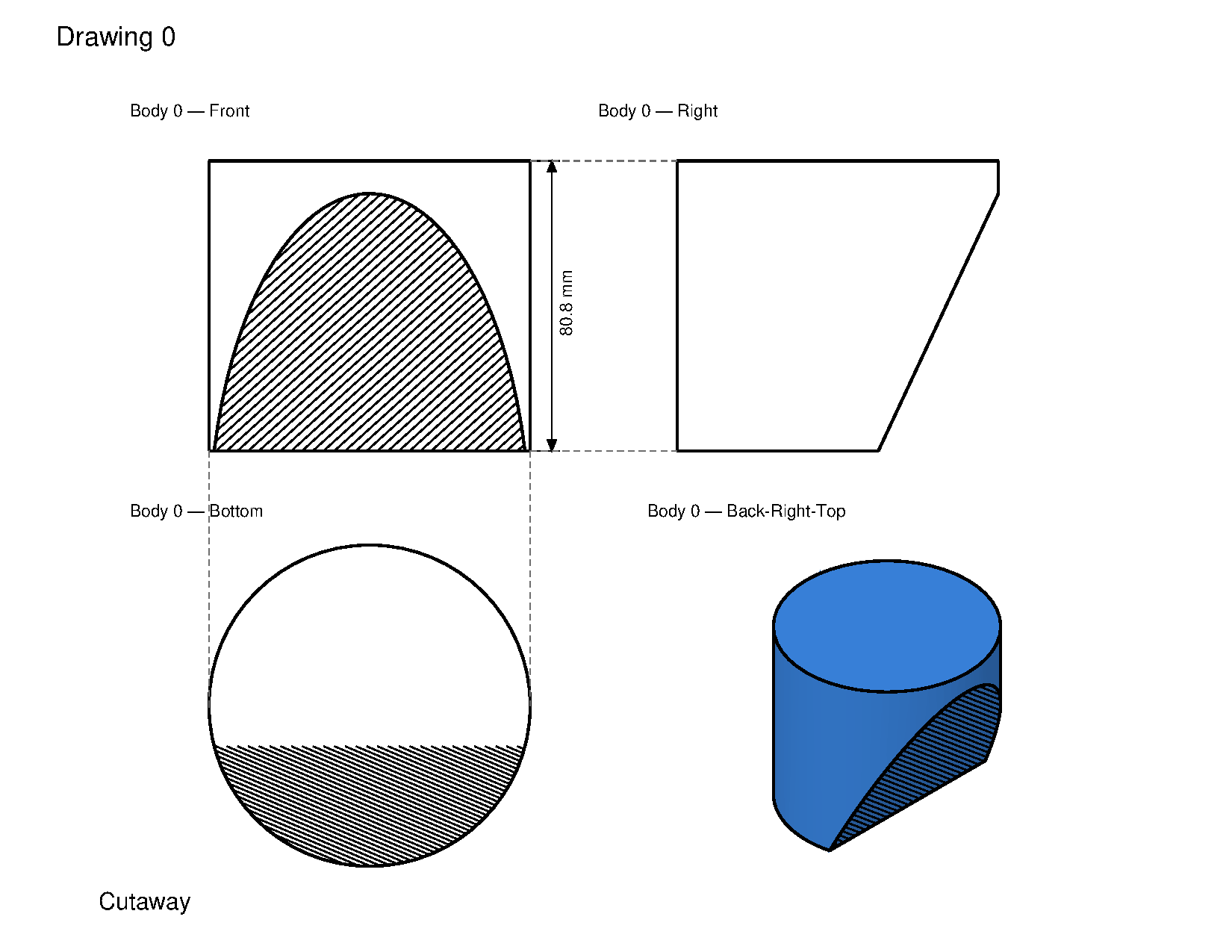
CAD → New Drawing creates a drawing and opens the drawing pane. Right-click a body in the Elements pane → Create drawing makes a drawing of that body in one step. The toolbar holds the drawing tools; Back returns to the 3D model.
Removing views and elements
Remove a view with the × on its card, right-click → Remove, or select any element and press Delete. Right-click an orthographic card → Create aligned view arms the Aligned-view tool with that card as the base. Reopen a drawing from its Elements pane row.
Resizing cards
With Select, a selected projection shows corner grips. Drag a corner to resize the card (centre stays put). Aligned partners share the matching axis — Above/Below share width, Left/Right share height — so a resize on any of them updates the linked dimension.
White paper
The editor's sheet is dark to match the app; exports are black ink on white. Right-click the drawing in the Elements pane and pick White paper to see the printed version without exporting it. It saves with the document.
Exporting
Export saves a vector PDF or SVG. Both are WYSIWYG at the page's configured size.
Right-click the sheet background to set page size and margins (default landscape 11 × 8.5 in, 0.5 in margins).
The Lua API is under Scripting.