 Fillet
Shortcut: F
Fillet rounds corners. It works in two places:
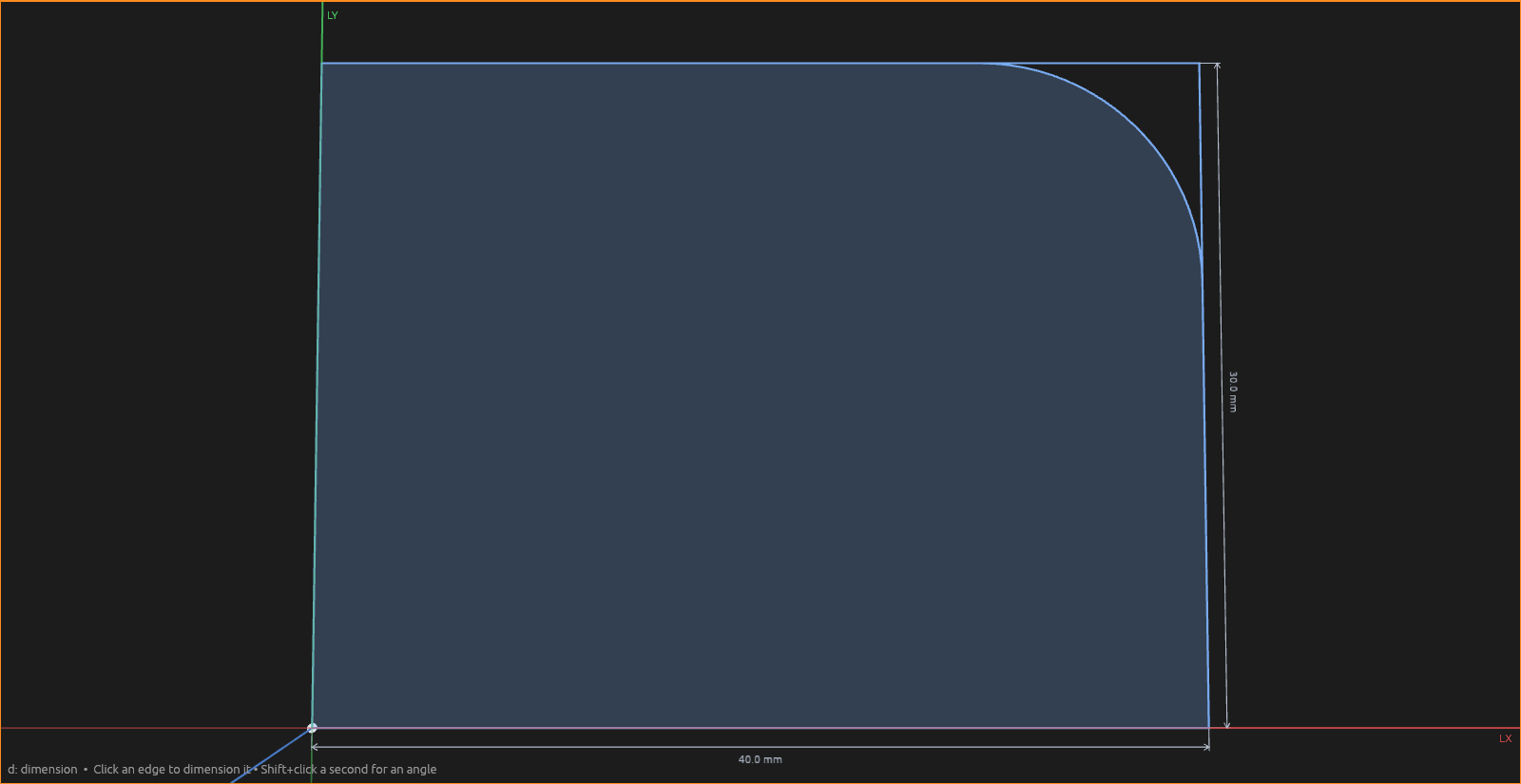
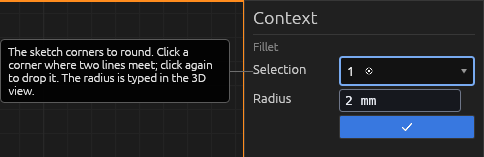
In a sketch: click a corner where two lines meet (click again to drop it), then drag the handle or type a radius; Enter commits. A live preview shows the rounded corner as you adjust it. This is how you round a profile before extruding.
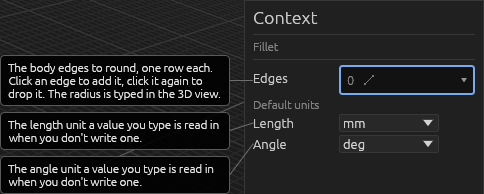
On a solid: with no sketch open, click an edge of a body — a vertical corner edge, an edge where a wall meets the top or bottom face, or the round rim of a cylinder or a drilled hole — or click a face to take every edge of that side. Click more edges to round several with one radius (click again to drop one), then drag or type and press Enter — like the rounded bend in the Quickstart bracket. The Context pane lists the picked edges (each removable) and the Radius, with a ✓ to commit.
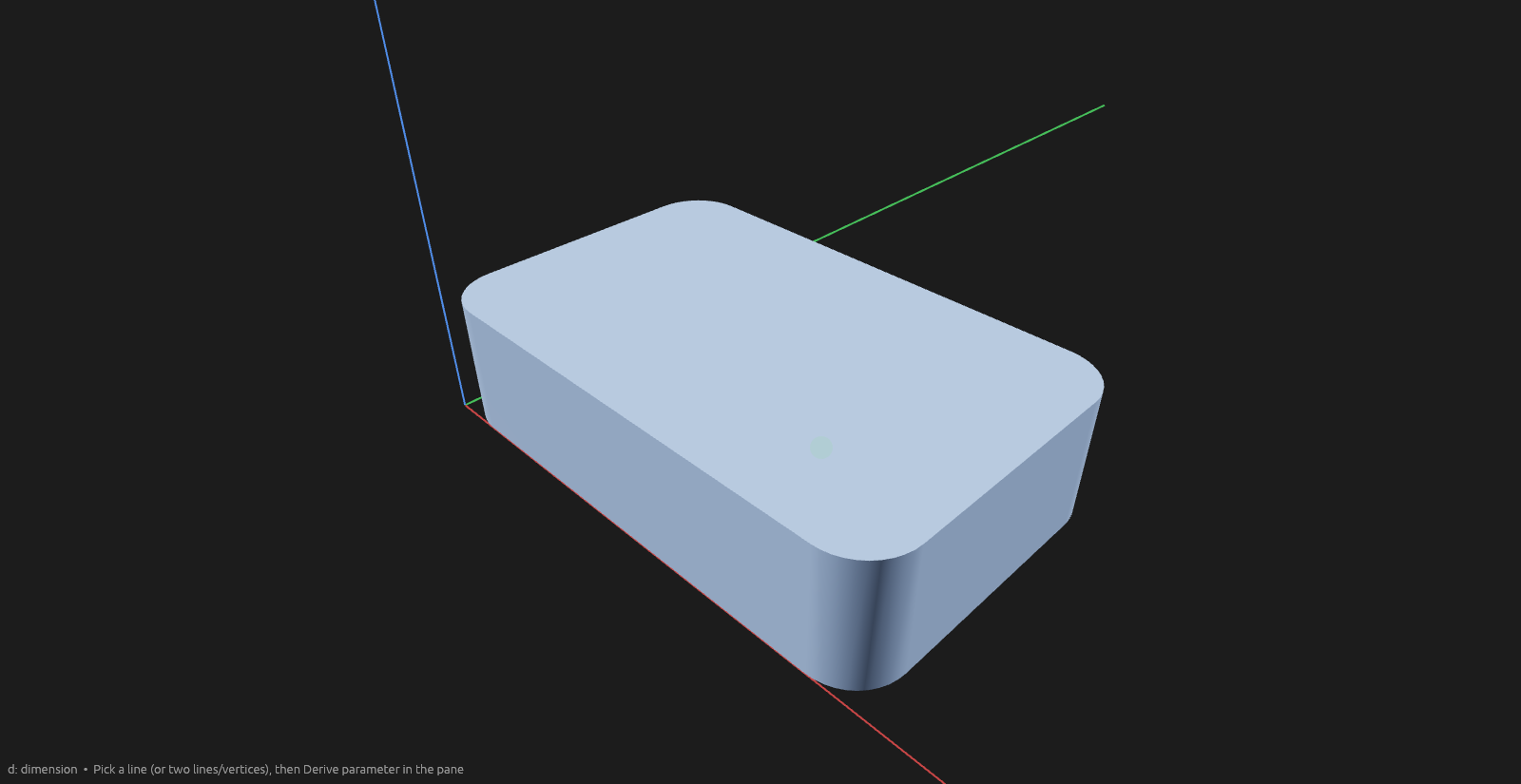
Committing creates a Fillet operation in the Elements pane: the original body becomes a faded input and a new rounded body appears as the operation's output, with the input feeding it in the graph. This is the same input → operation → output shape every other body operation uses, so a fillet takes part in rolling back and undo like anything else.
Help
Good to know
- In a sketch, a chamfer/fillet is a parametric operation too. Committing one creates a Chamfer/Fillet operation in the Elements pane: the corner's two edges stay as faded inputs (keeping their own dimensions, which still measure to the original sharp corner) while the rounded/cut profile appears as the operation's output. Because the amount is an expression, the bevel follows dimension and parameter edits, and deleting the operation restores the sharp corner. Rounding two neighbouring corners of the same profile groups them under one operation.
- The radius field takes expressions.
- A radius that can't physically fit is rejected at commit rather than producing broken geometry.
- Rounding solid edges works on extruded profiles and Shape-tool cuboids (and cylinder rims).
- Edit later: double-click the fillet operation's Elements pane row (or right-click → Edit fillet) to bring back its gizmo and amount input, then commit a new radius.