Rectangle
Shortcut: R
Click to place the first corner, move the mouse, and click to place the opposite corner — or type the width and height (Tab switches fields) and press Enter.
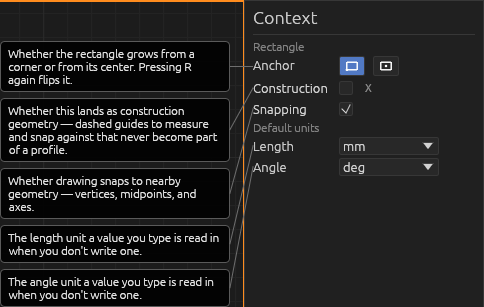
Anchor mode. The context pane has a two-icon toggle for where the first click lands: corner-anchored (the default — first click is a corner) or centre-anchored (first click is the centre, and the rectangle grows out symmetrically as you pick a corner). Press R again while the tool is already active to toggle between the two. Either way, the width and height you type are the full size of the rectangle.
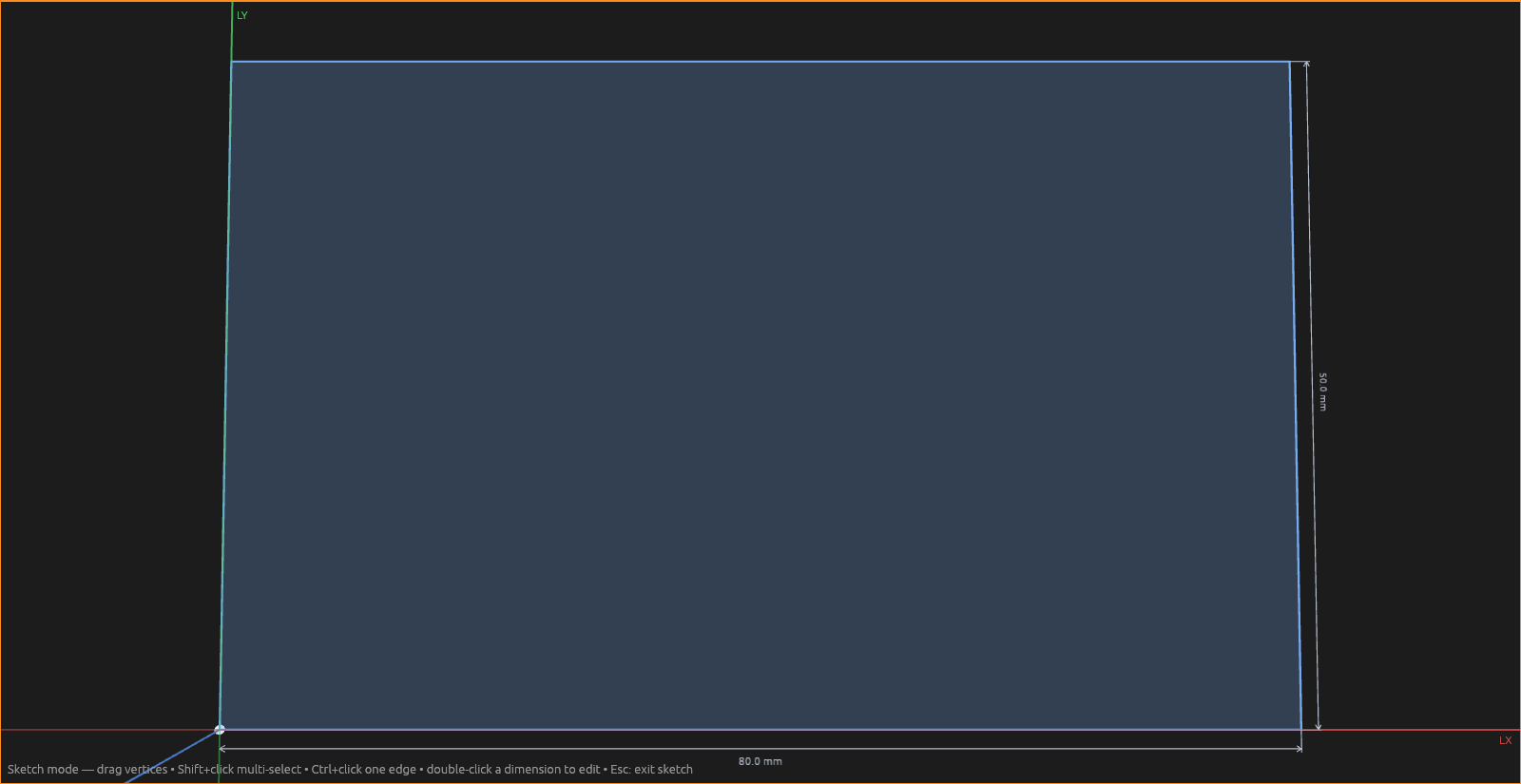
A rectangle is really four lines joined at right angles, so everything that works on lines — dimensions, constraints, fillets on its corners — works on a rectangle's sides too. Its interior is a face you can extrude.
- Esc cancels the in-progress rectangle.
- X makes it construction (reference) geometry.
Help