 Slice
Slice
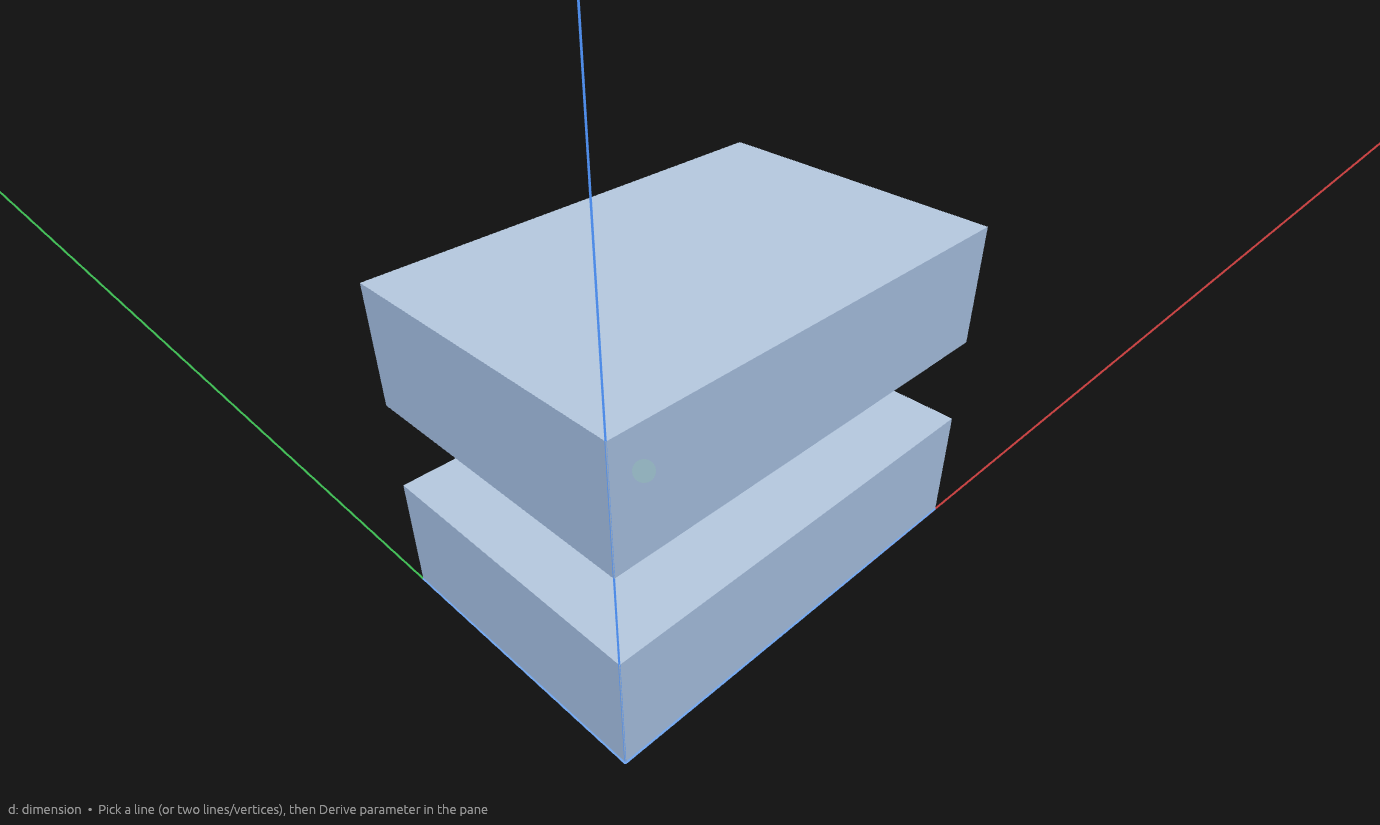
Slice cuts whole bodies apart — with flat planes/faces, or with sketch lines that laser-cut through a body along their path.
How to use it
- Pick the Slice tool and click one or more bodies (the Bodies picker).
- Click the Cutters picker, then pick:
- a construction plane or flat body face, or
- a sketch line (straight or curved) on a face — the laser points into the face and travels the path. Endpoint-connected lines form one continuous path (a zigzag is one cut → two pieces). Disjoint lines each cut.
- Press Enter. A laser cut is only allowed when it splits a body into at least two pieces.
Each target is cut independently. Each cutter divides whatever pieces the previous cuts produced — two crossing planes (or separate lines) through a block give four fragments.
While you pick, target bodies go cyan semi-transparent and laser paths preview as red cutting surfaces clipped to the body (extended past free ends when Infinite cut is on).
Infinite cut (on by default) extends every plane endlessly and expands every laser path past its free ends only — vertices with a single connected line — along the end tangent (straight: same direction; curve: end tangent) so a short path still severs the solid. Off, a finite face carves only its own footprint and a line only cuts within its span. Construction planes are always infinite.
What you get
Each fragment is a new body nested under the slice element. The input body lives on as a shadow body — hidden until you hover or select it. A laser cut also takes its sketch as an input: moving the path updates the fragments. A cutter that misses a body leaves it whole.
Edit slice re-opens the pickers; deleting the slice restores the input body.
Help
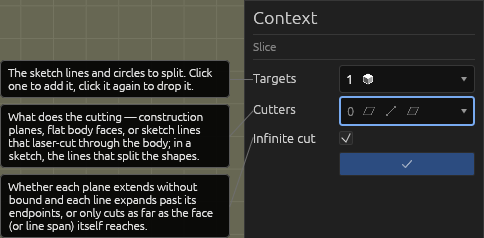
Slicing sketch geometry in 2D
Split lines where other lines cross them. The sliced line becomes a shadow — no longer part of any face, but still editable — and each crossing produces a fragment line. Double-click the operation (or right-click → Edit) to reopen the pickers.
Bezier targets stay curved when split; a sliced circle becomes arcs. A shadowed original no longer forms a face — its fragments do, so they extrude independently.
See Scripting.