 Sweep
Sweep
Sweep pulls a flat profile along a path of sketch lines into a solid — pipes, rails, handles, curved channels.
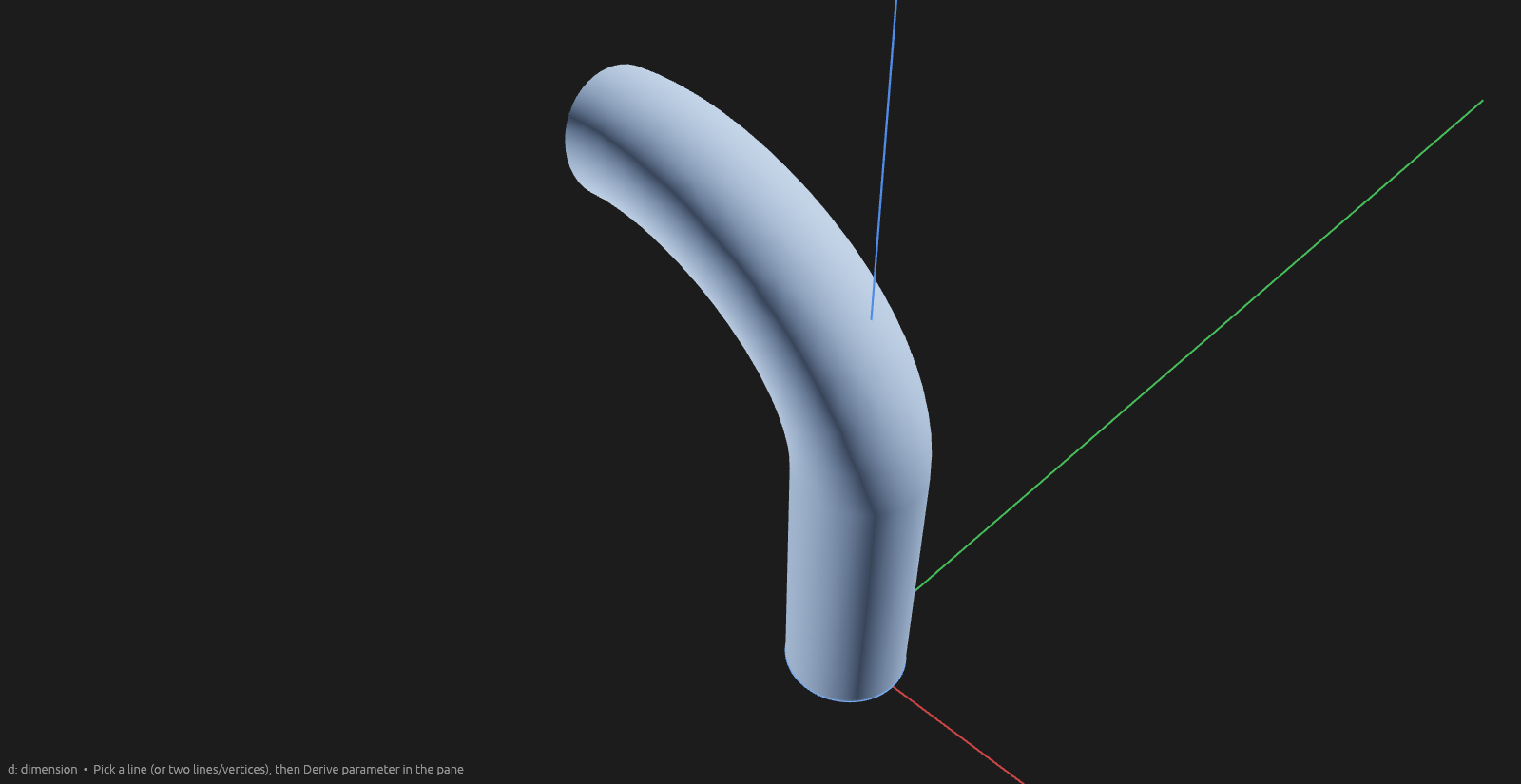
How to use it
- Pick the Sweep tool and click one or more profile faces (same sketch plane) — a closed sketch face, or any flat body face (a cuboid side, an extrusion cap, …).
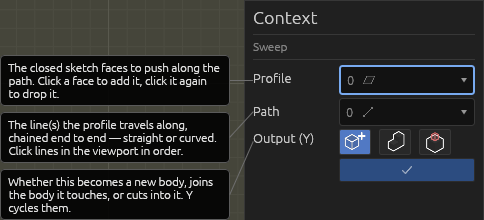
- Click the path: one or more lines — straight or curved, in any sketch — that connect end-to-end and cross the profile's plane. Click a picked line again to remove it; pick order doesn't matter, the segments chain tip-to-tail.
- A translucent preview of the swept solid follows every pick. Choose where the result
lands:
- New body — the sweep stands alone.
- Add to touching bodies — it fuses into whatever it touches.
- Cut bodies — it's carved out of bodies you click into the Cut bodies picker; the preview shows the finished cut.
- Enter commits; Esc cancels.
The context pane lists the picked profile faces and path lines as element pickers — each row has a ✕ to remove it. In the Elements pane's graph view, the profile's sketch and every path line feed the Sweep operation, and the swept body hangs off it as its output. Select a committed sweep and press Edit sweep in the context pane to re-open it with its faces, path, and body mode loaded.
Help
See Scripting.