View styles
How the model is drawn, never what it is. Pick one from the gear icon under the view bear.
Every picture below is the same nine cubes, from the same camera.
Technical
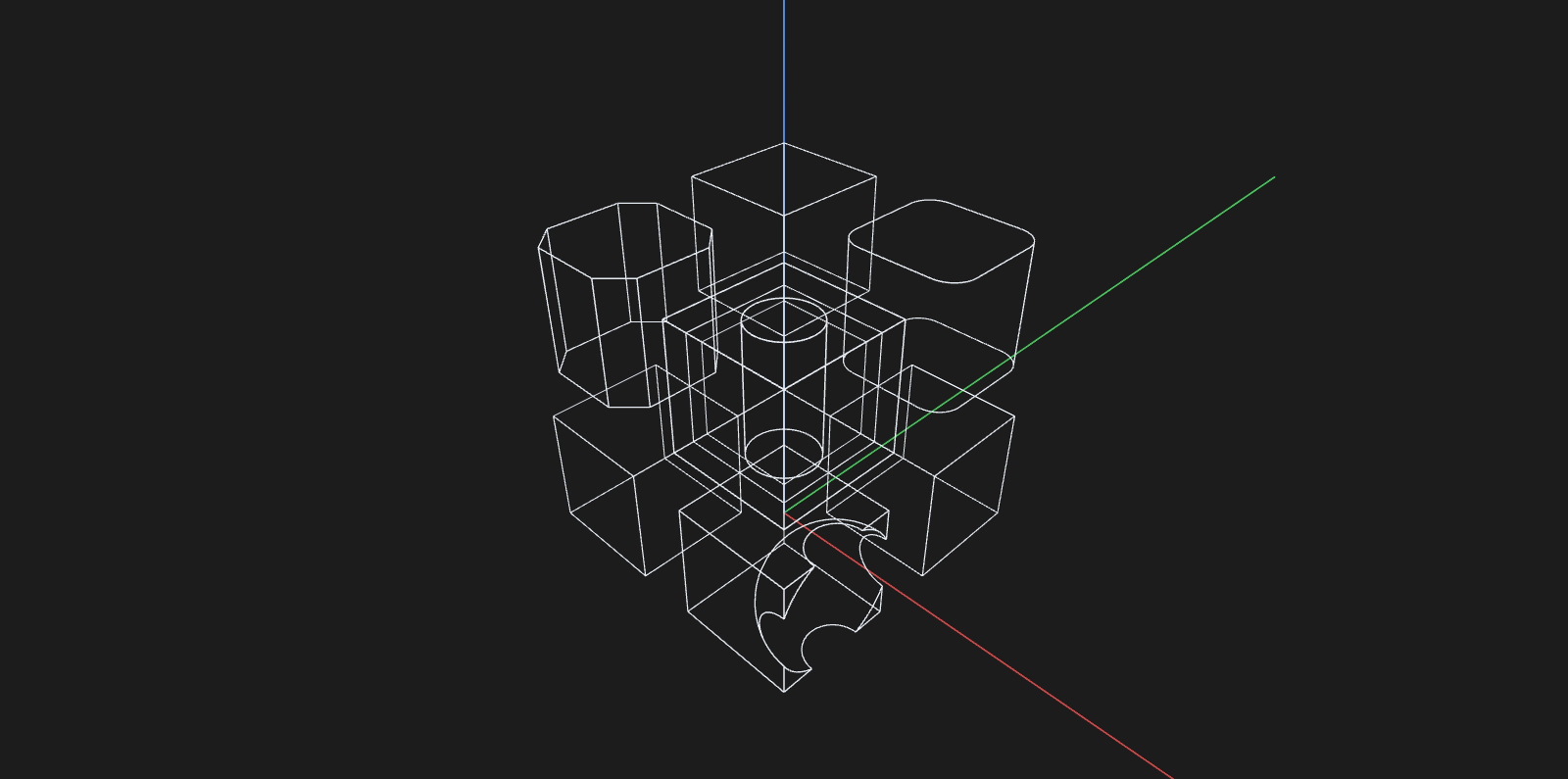
Wireframe — every feature edge, nothing filled. Shows the back of the part through the front, which is what you want when you are checking that a feature went all the way through.
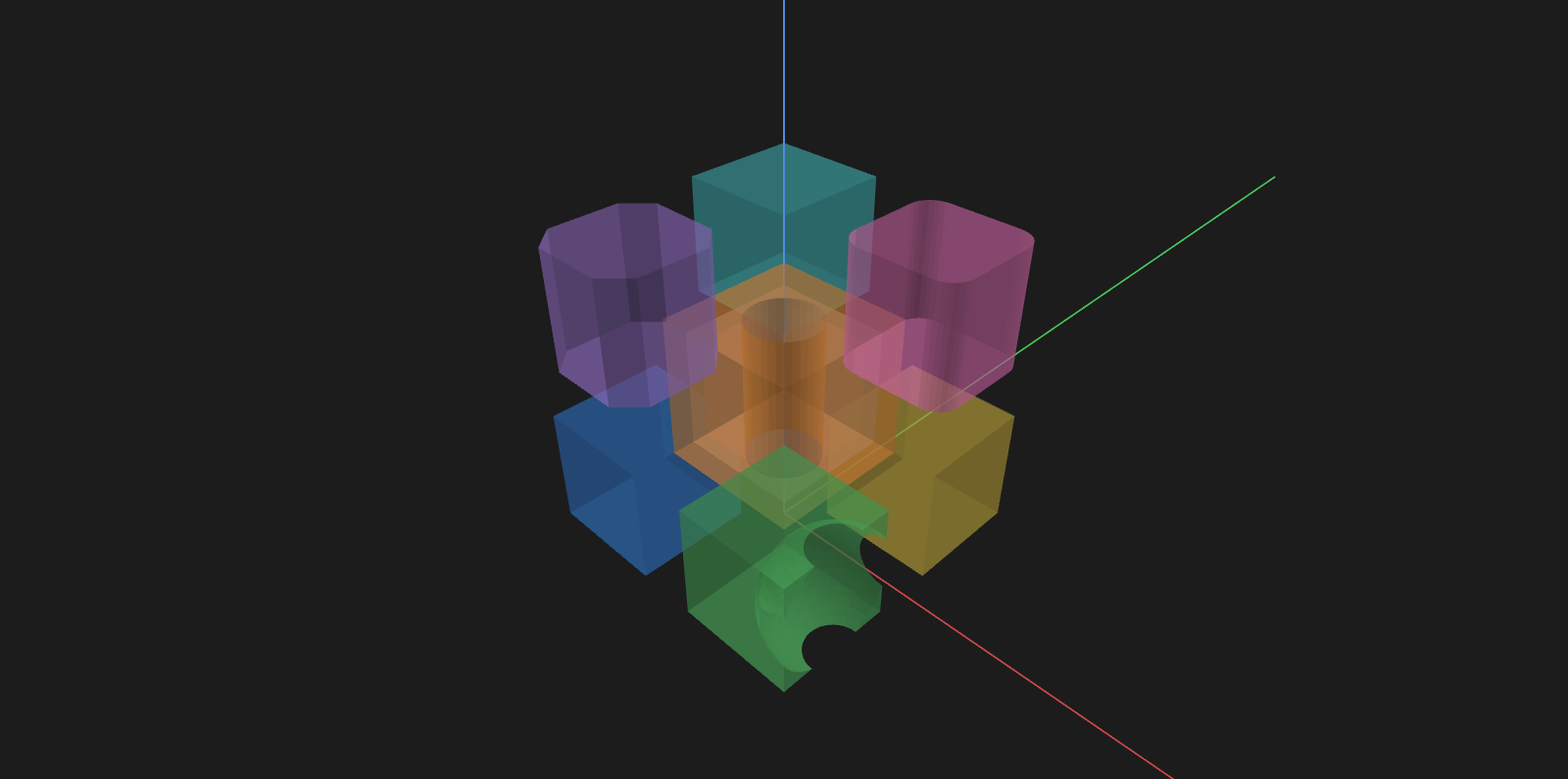
Transparent solid — filled, but see-through. Where a part sits inside another, without losing the shape of either.
Solid — opaque, flat-shaded, no edge overlay. The default: the fewest lines that still read as a solid.

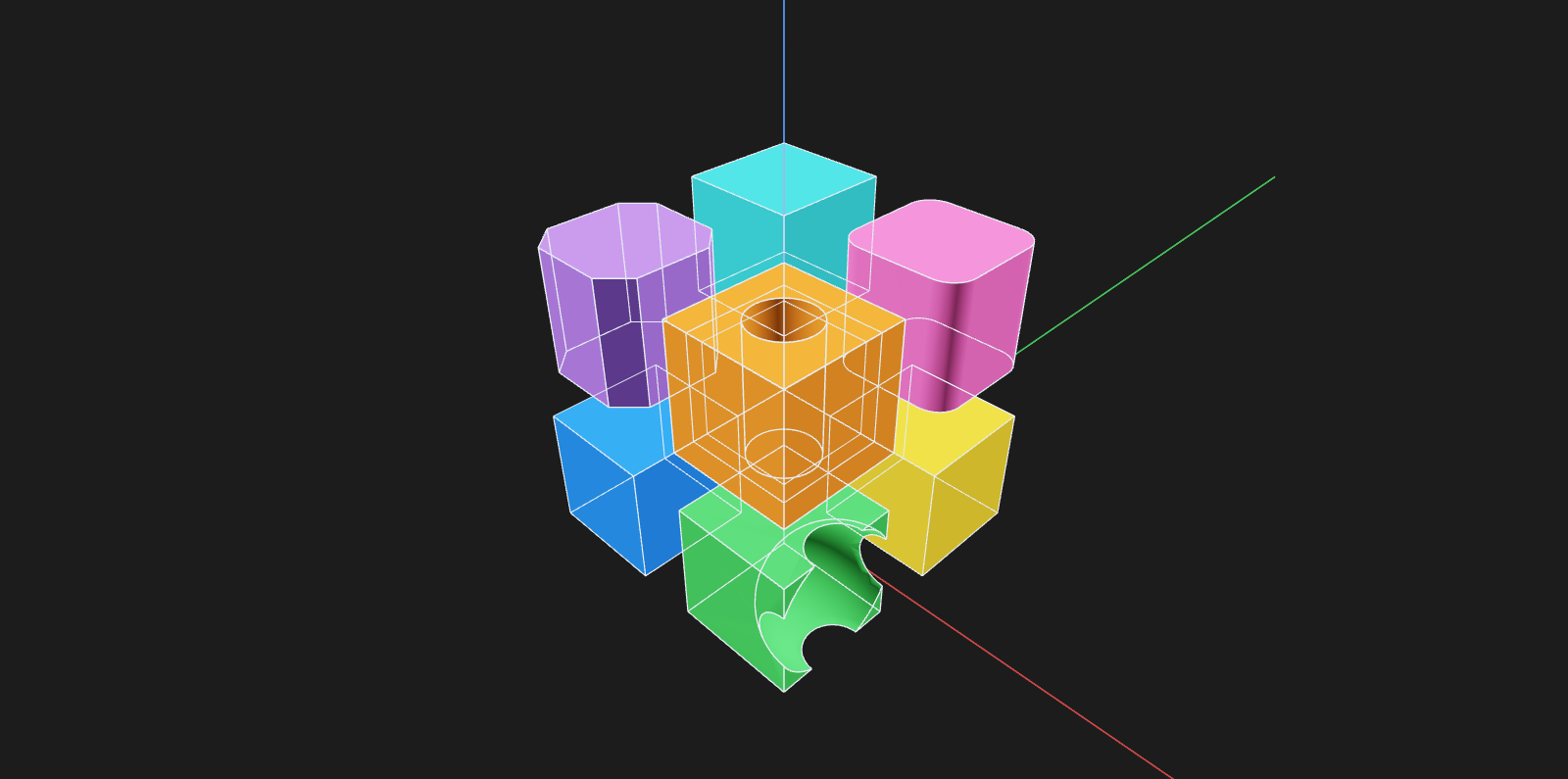
Solid + wireframe — opaque, with every edge drawn on top and through. A drawing of the part's construction over the part.
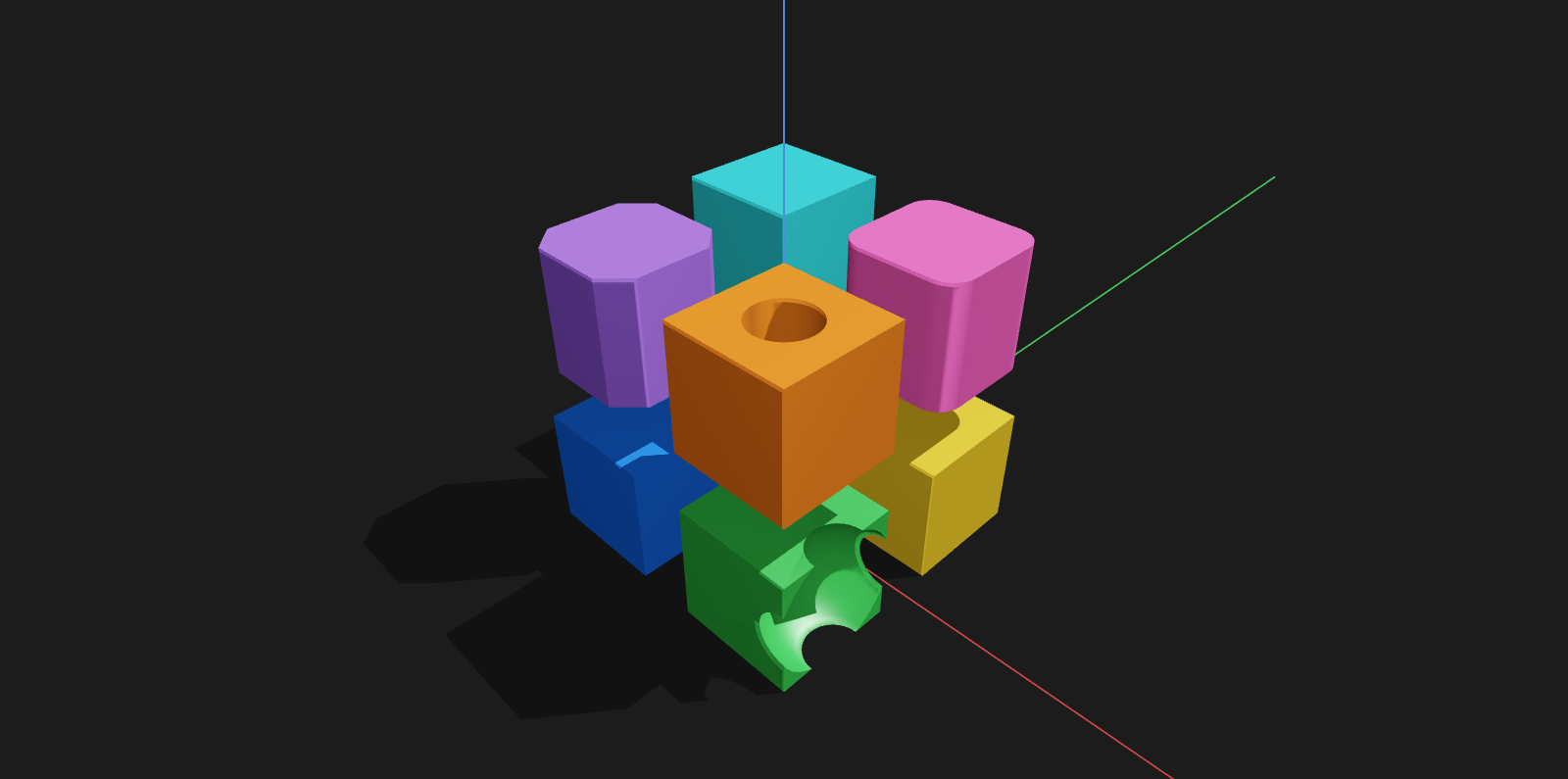
Realistic — lit rather than flat-shaded, with a contact shadow on the build plane. The shadow is the only cue for whether a part rests on the ground or floats above it.
Pencil
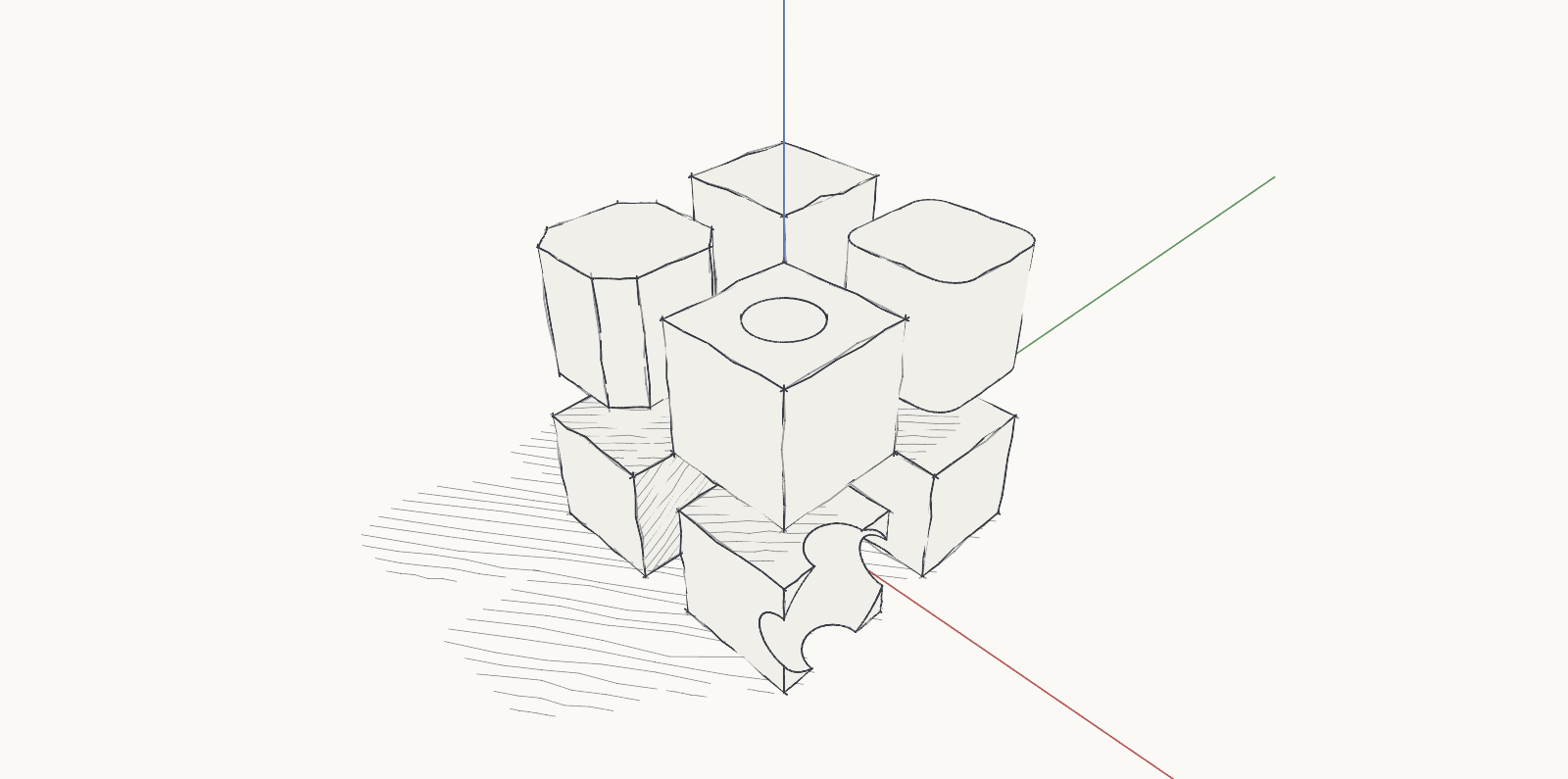
Second row of the popup. Strokes that overshoot their corners and wobble along their length, and a hatched contact shadow. The same edge is drawn the same way from every angle, so the drawing doesn't crawl as you orbit.
Loose pencil — one pencil, one color, on white paper.
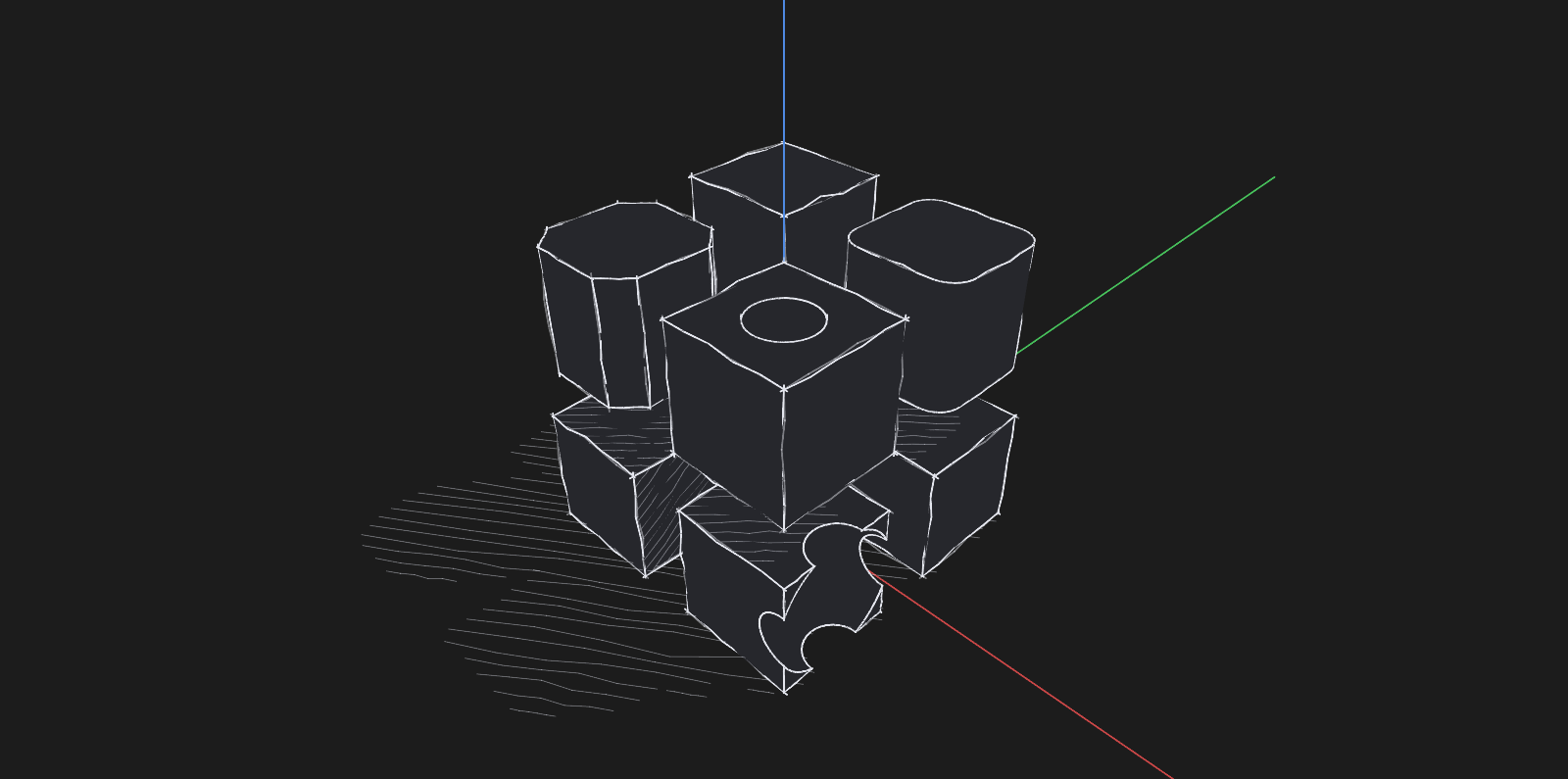
Dark pencil — the same hand with the lights out: a white pencil on the dark background.
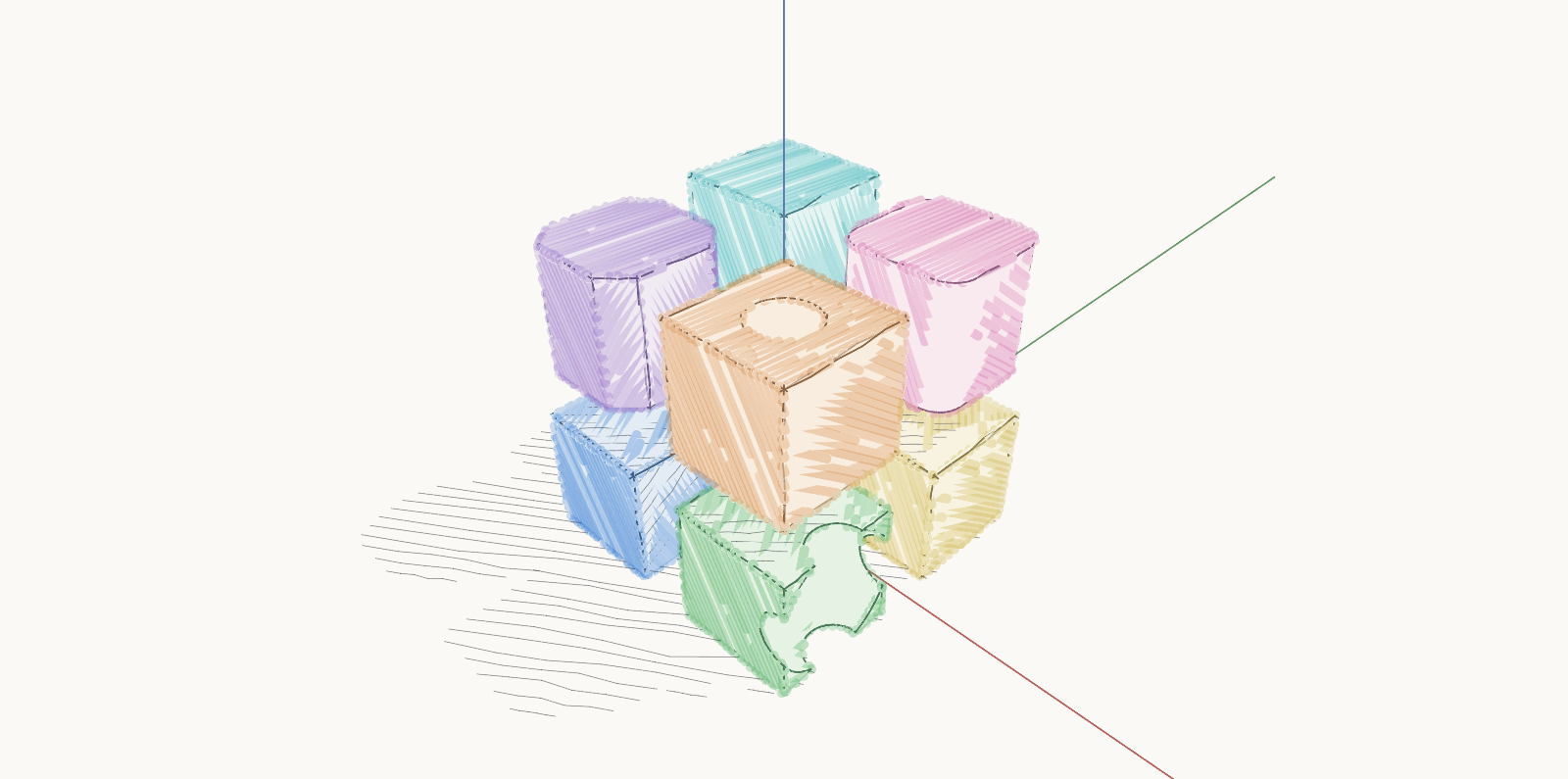
Colored pencil — each body's color laid in with the side of the lead, past the lines; solids shadow each other.
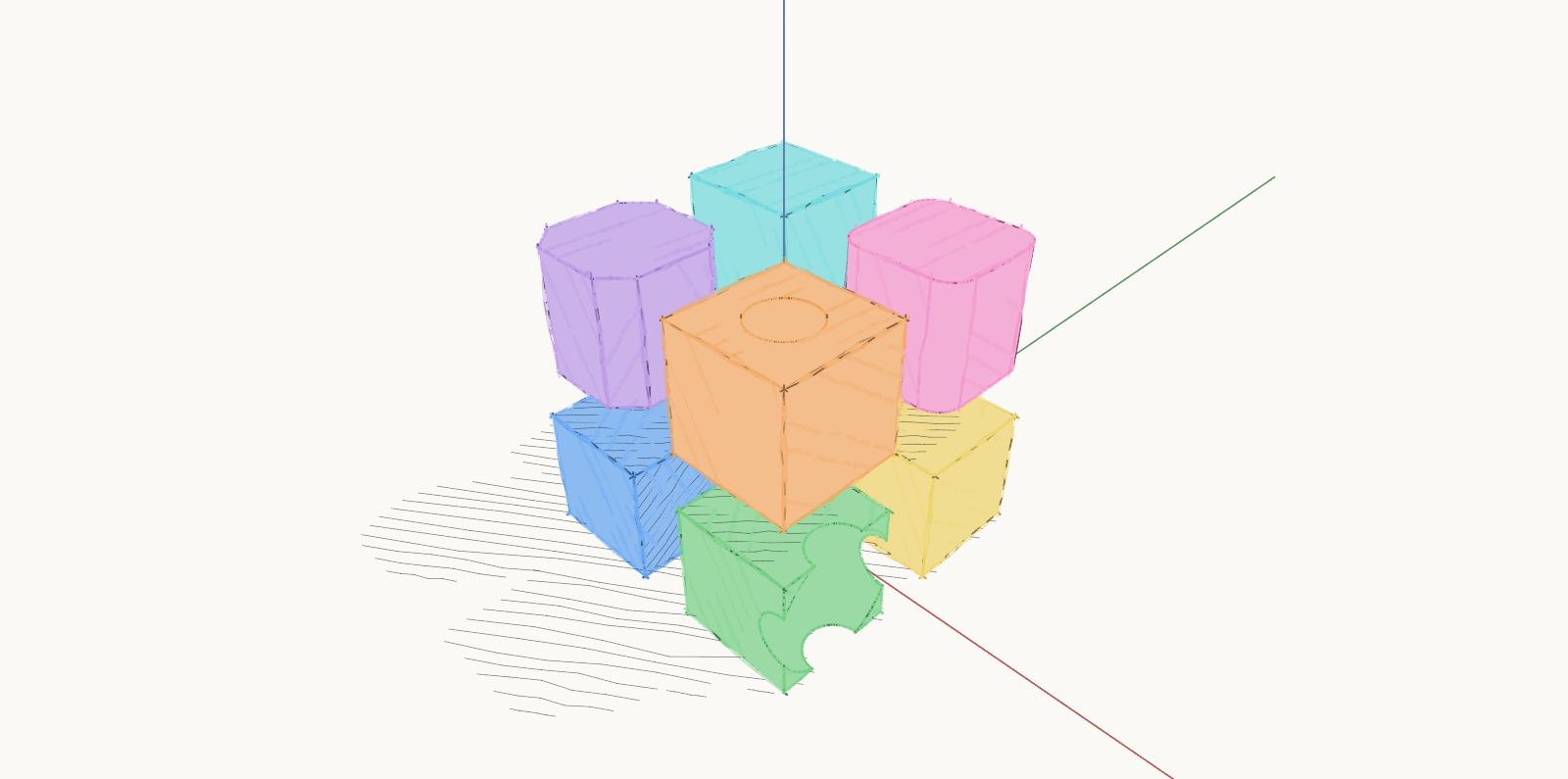
Watercolor — the same drawing, painted: each color a wash that pools and dries darker at the edges.
Projections on a drawing
A projection on a drawing page has its own Style, set per view rather than per viewport. Every picture below is the same plate, from the same angle.
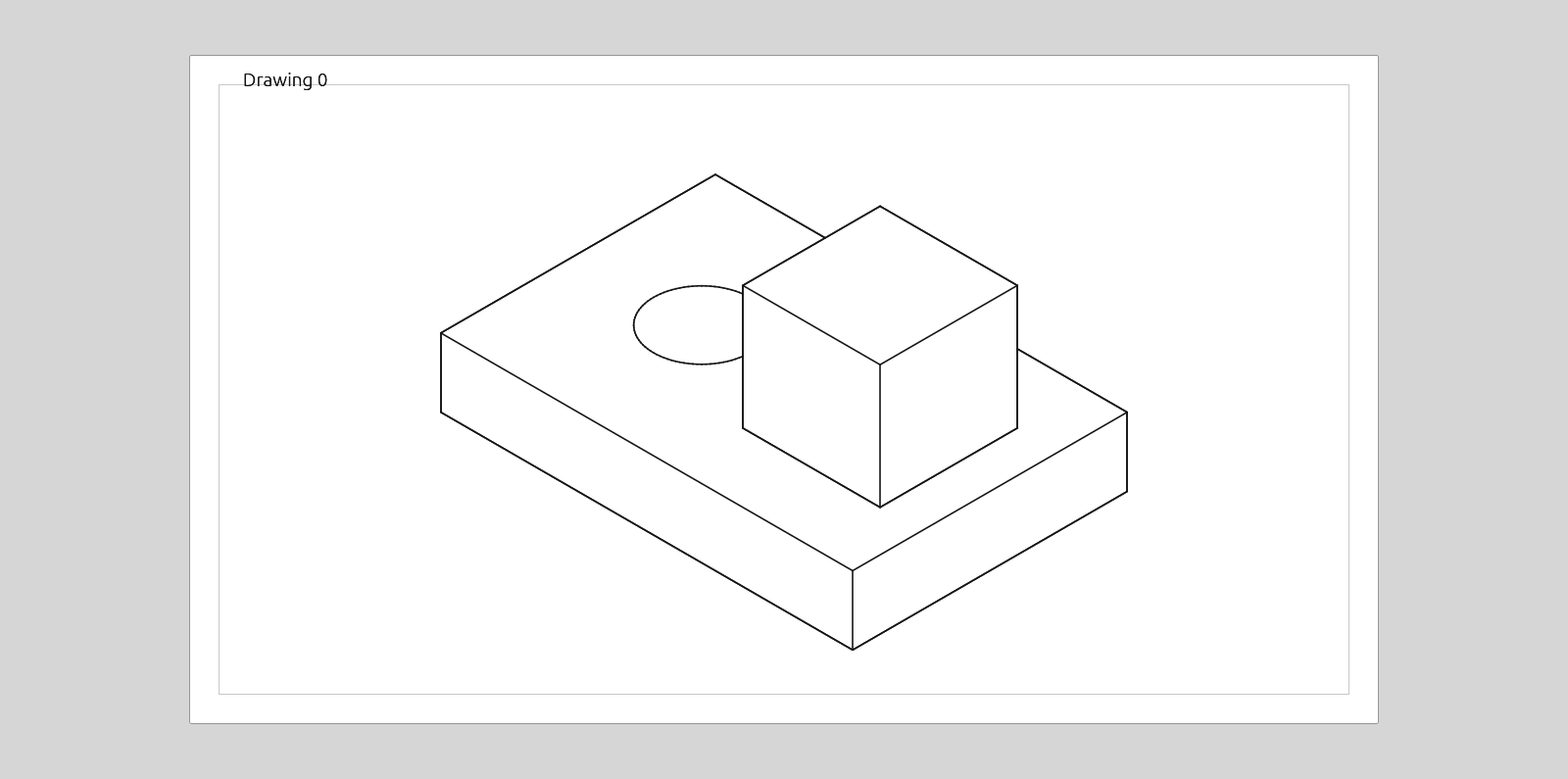
Visible edges — hidden lines removed.
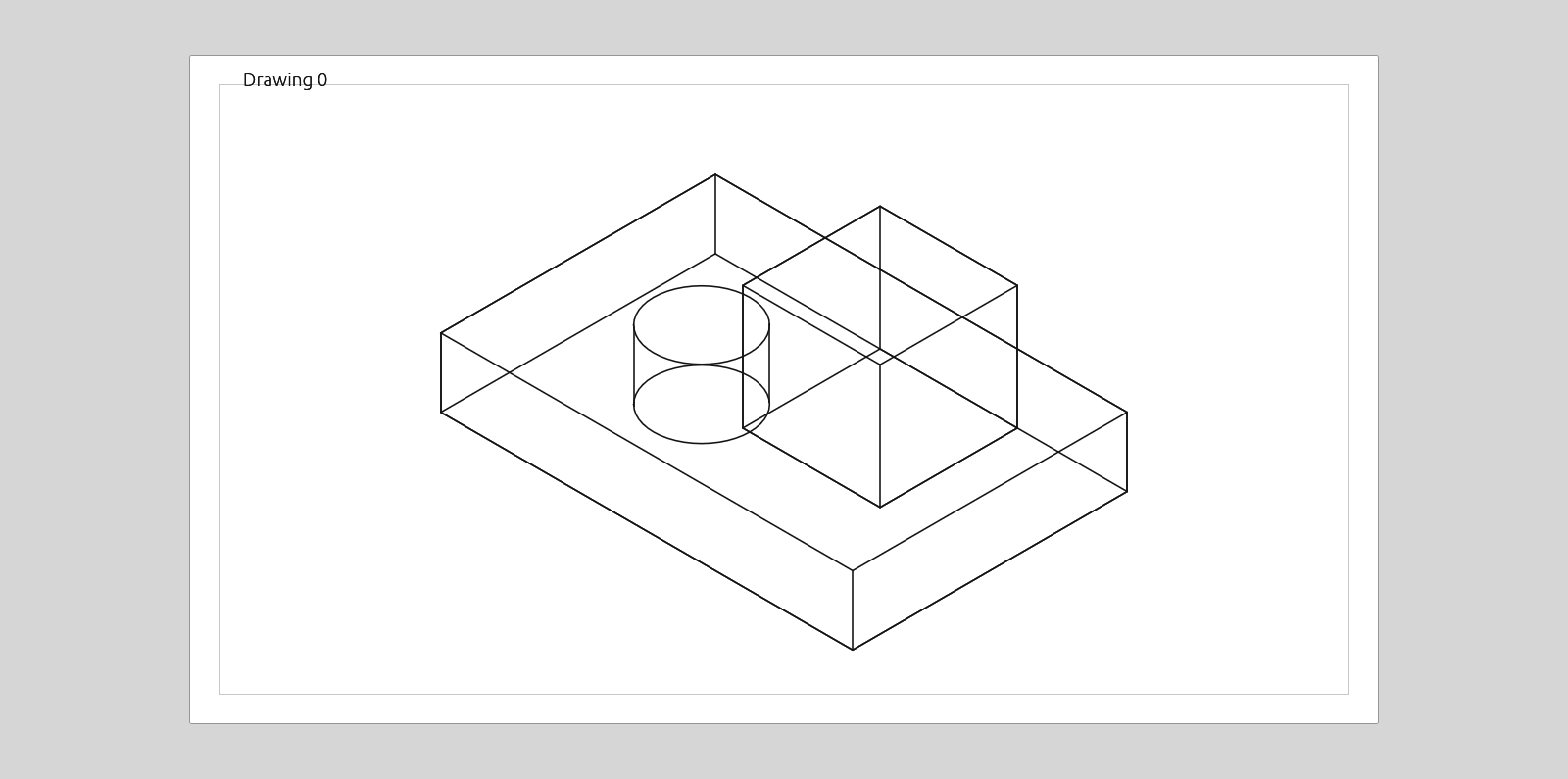
Wireframe — every feature edge, including the back ones. The default.
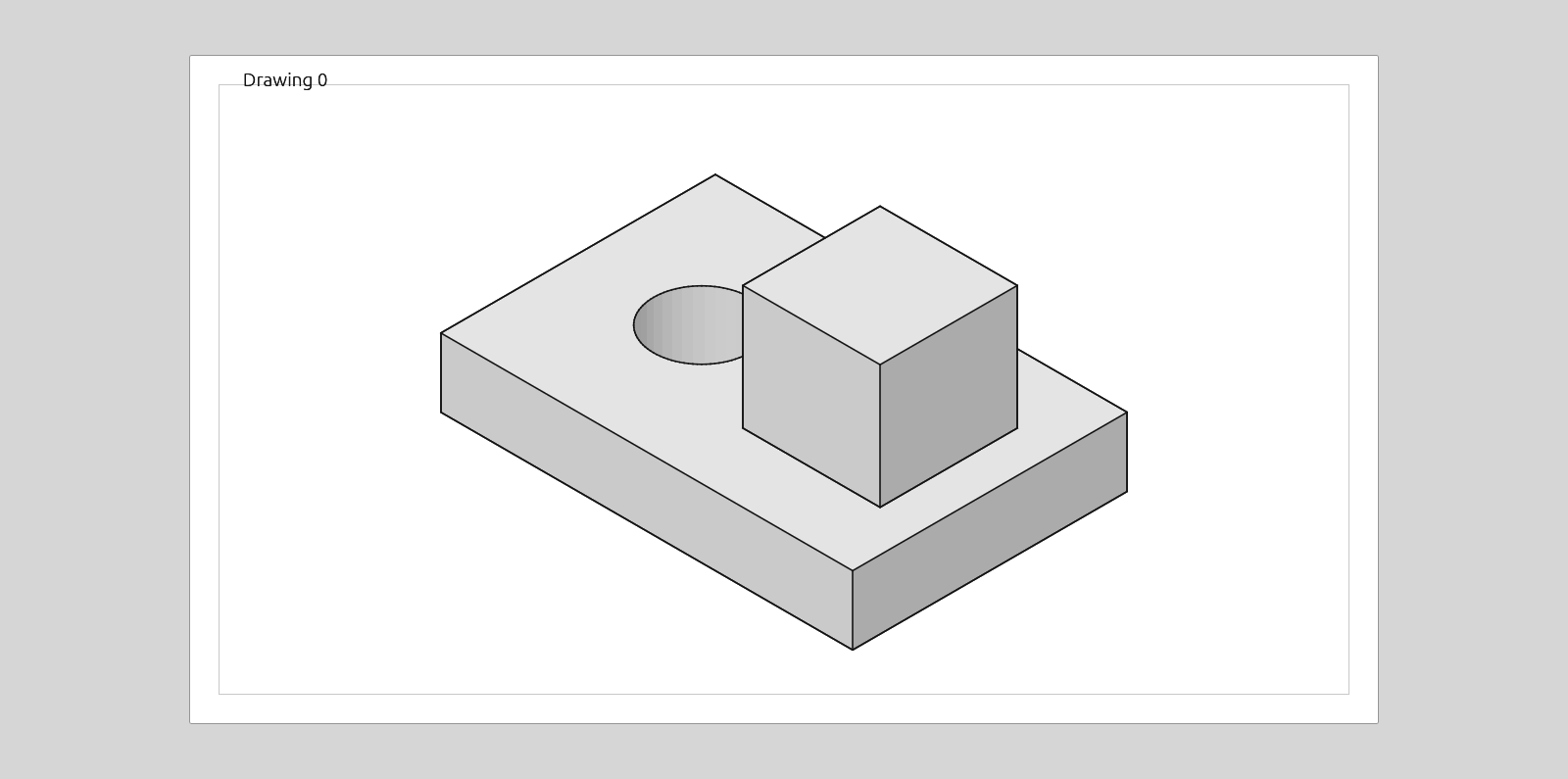
Shaded — grey-shaded faces under the visible edges.
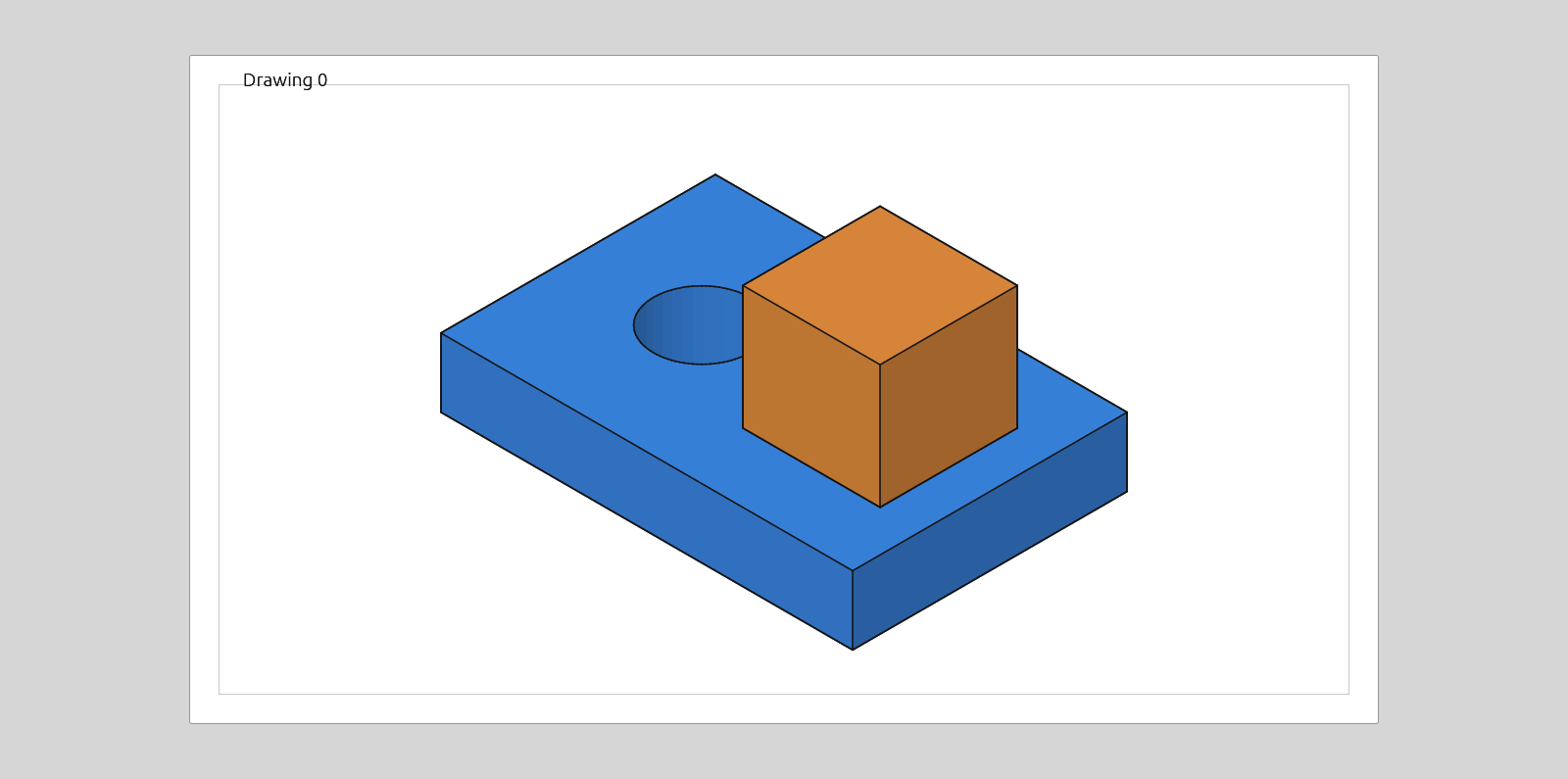
Colorful — shaded, keeping each body's material color.
Loose pencil — the visible edges drawn by hand.
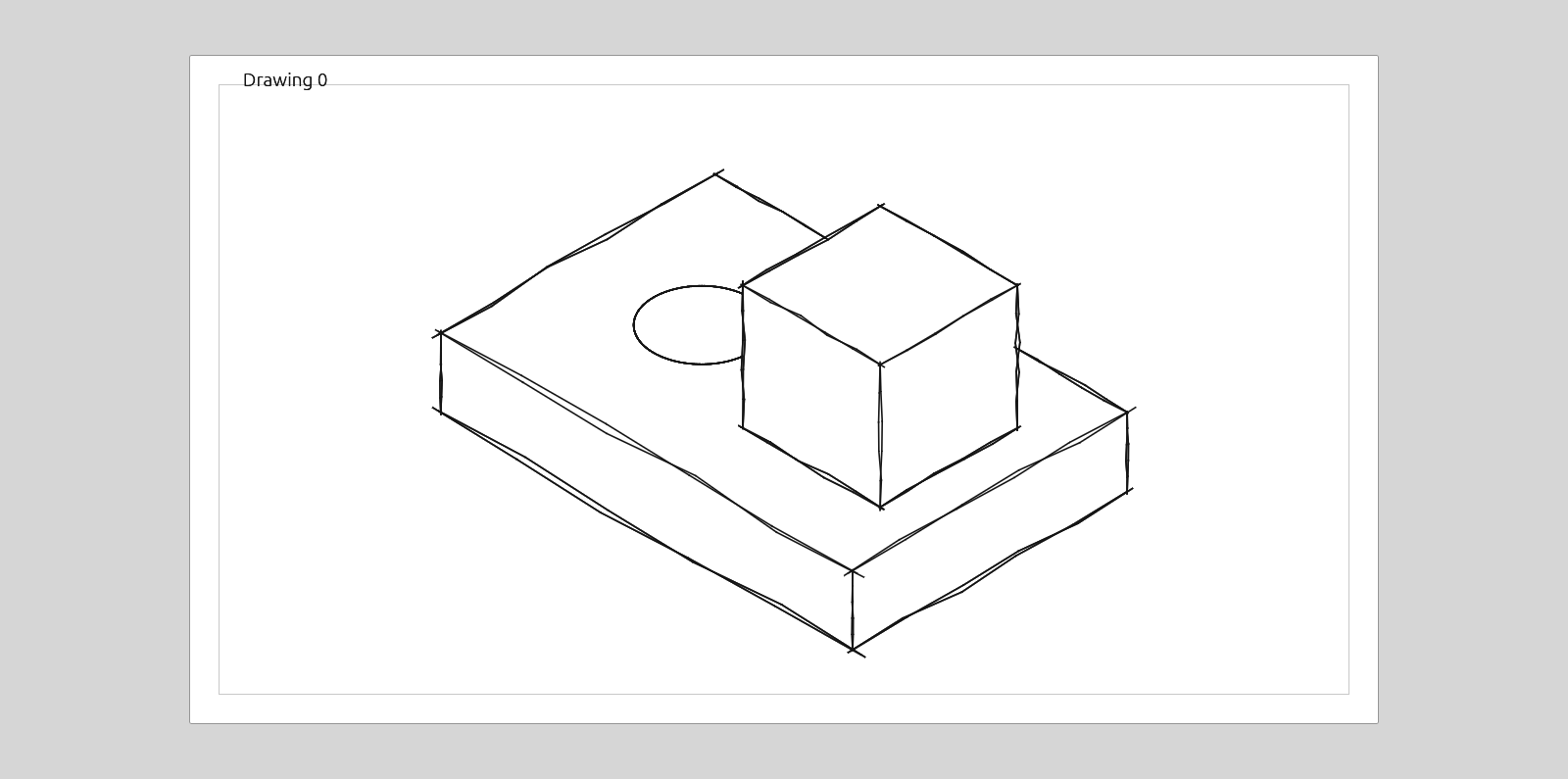
Colored pencil — the same hand, with each body's color scribbled in and the solids' shadows on each other.
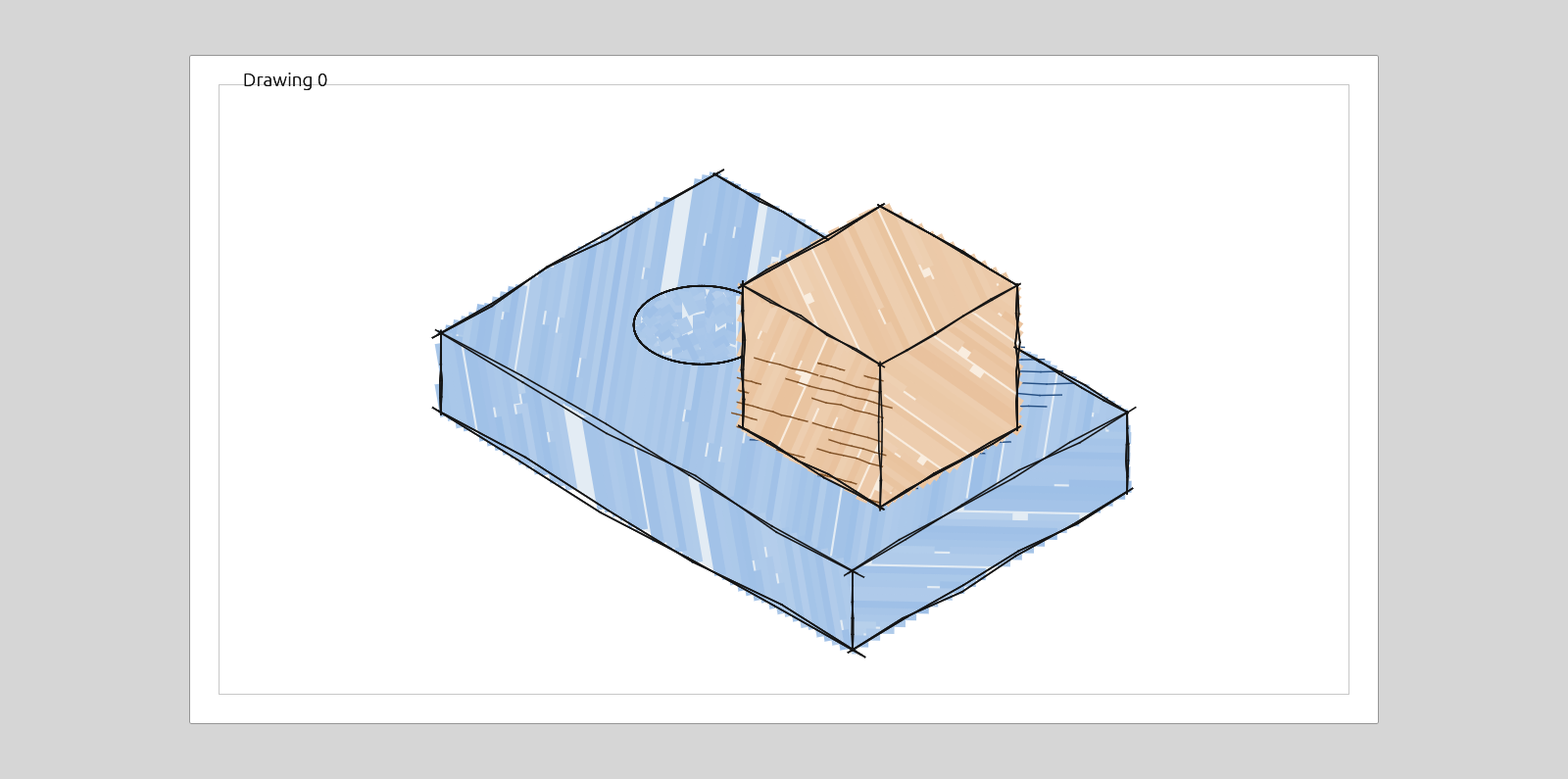
Watercolor — the same hand, with each color washed on instead — pooling, and darker where it dried at the edges.
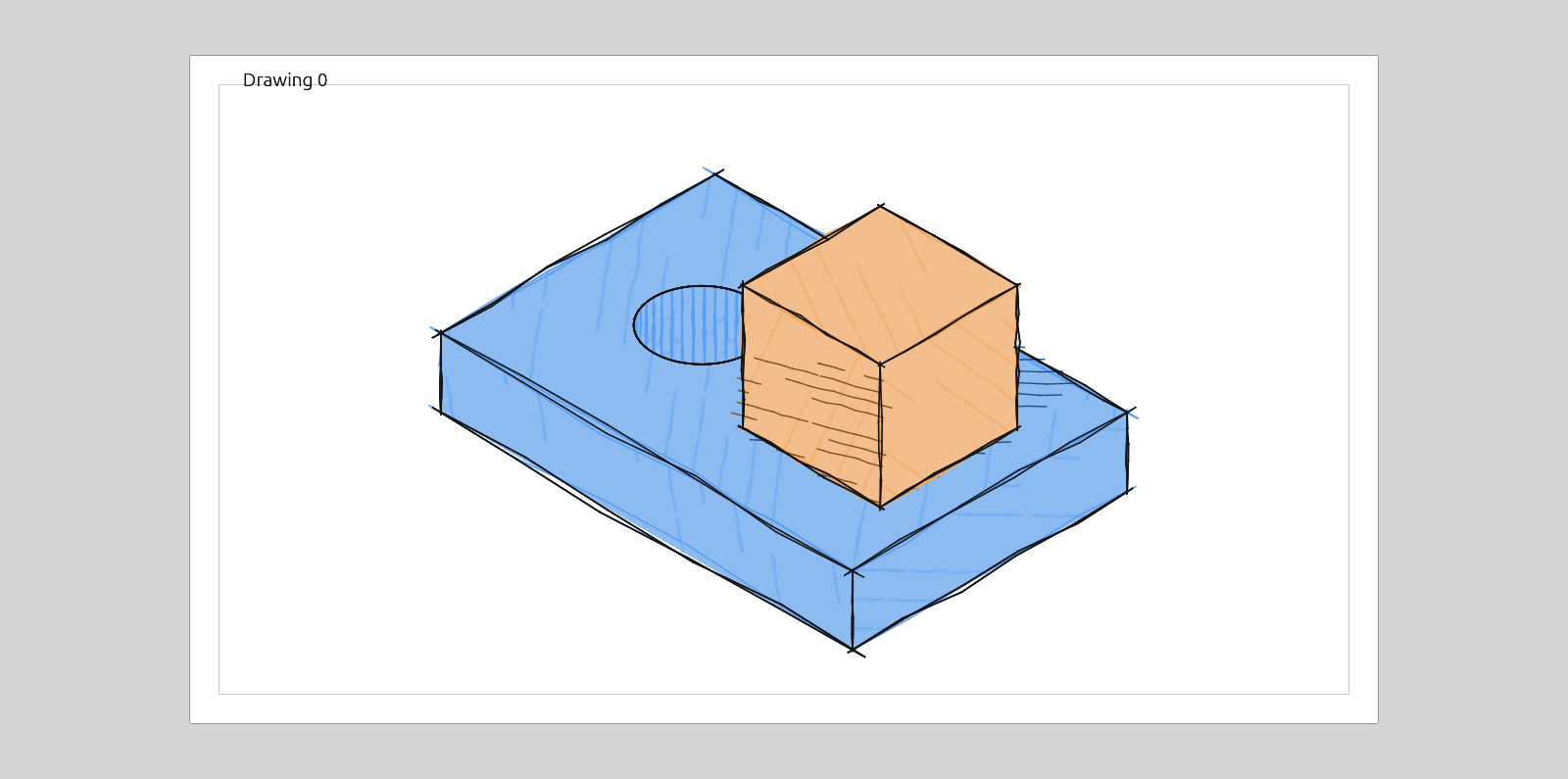
Both pencil styles letter their captions and dimensions by hand, in Klee One. SVG exports name the font; PDF exports keep the drawing's usual sans.
With nothing selected, the pane's Drawing → New views sets what the next projection on the page starts as. Views already placed keep theirs.